
First identify which part is failing
An account page has two parts: the Winbox page around it and the embedded account service. If the navigation and guide load but the form area stays blank, the problem is not the same as the whole site being unreachable.
| Observed failure | Record first | Matching guide |
|---|---|---|
| Whole page cannot open | Browser error and typed address | Browser loading and connection warnings |
| Winbox loads; panel stays blank | Panel, time and browser | Embedded-account loading checks |
| Form rejects an identifier | Login method and exact message | Credential and recovery checks |
| Bank-credit amount requested | Original withdrawal reference | Withdrawal second verification |
Read the full explanation
Record the page address, device and time, then check your connection and allow the panel time to load.
If neither part opens, test another ordinary page in the same browser to distinguish a connection problem from an account-page problem. Do not begin with repeated password guesses.
When the form loads but sign-in fails
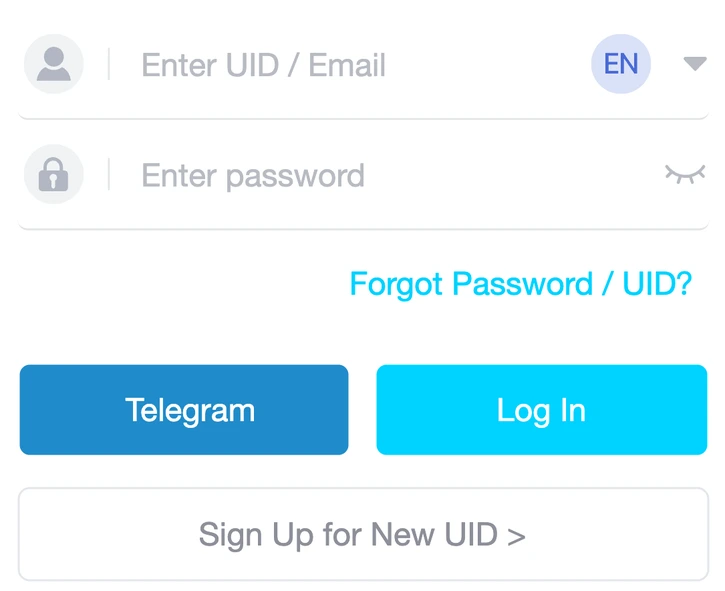
Read which identifier the selected method expects and check for spaces introduced by copying. A saved password can belong to a different account or an older password, so verify the saved entry before retrying.
Read the full explanation
Use the recovery option if you cannot confirm the credentials. A one-time-code screen is a separate step: request a code for your own action and enter it only there.
An error about eligibility or account status needs support investigation; changing browsers or creating a second account does not resolve that decision.
Fullscreen, language and a separate browser tab
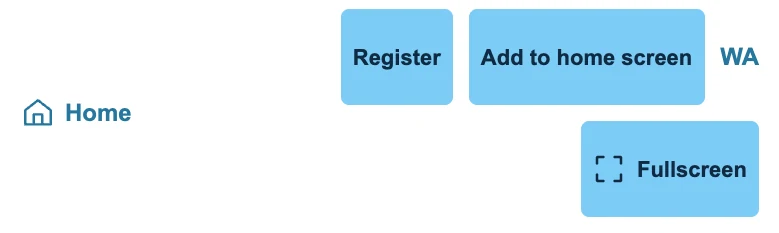
Fullscreen expands the embedded panel without deliberately replacing its frame. Exit returns to the surrounding page; the account service still controls its own session timeout.
Read the full explanation
The Winbox language and the form's internal language are separate settings. If embedded access is restricted, use the labelled direct-access route provided on the account page.
Opening that route creates a separate browsing context and may require a fresh sign-in. Do not copy credentials into an unfamiliar substitute page suggested by a stranger.
Send evidence that narrows the problem
Tell support whether the whole page, the panel or a particular field failed. Include the exact message, time, browser version and last successful step. Crop screenshots to the error and mask private details. Do not clear all browser data as a first response: it may sign you out and remove useful context. If support asks you to test a different browser, do so on your own device and retain the original case reference.
Finish by signing out of any shared device used during testing.
Find the account route that matches the task
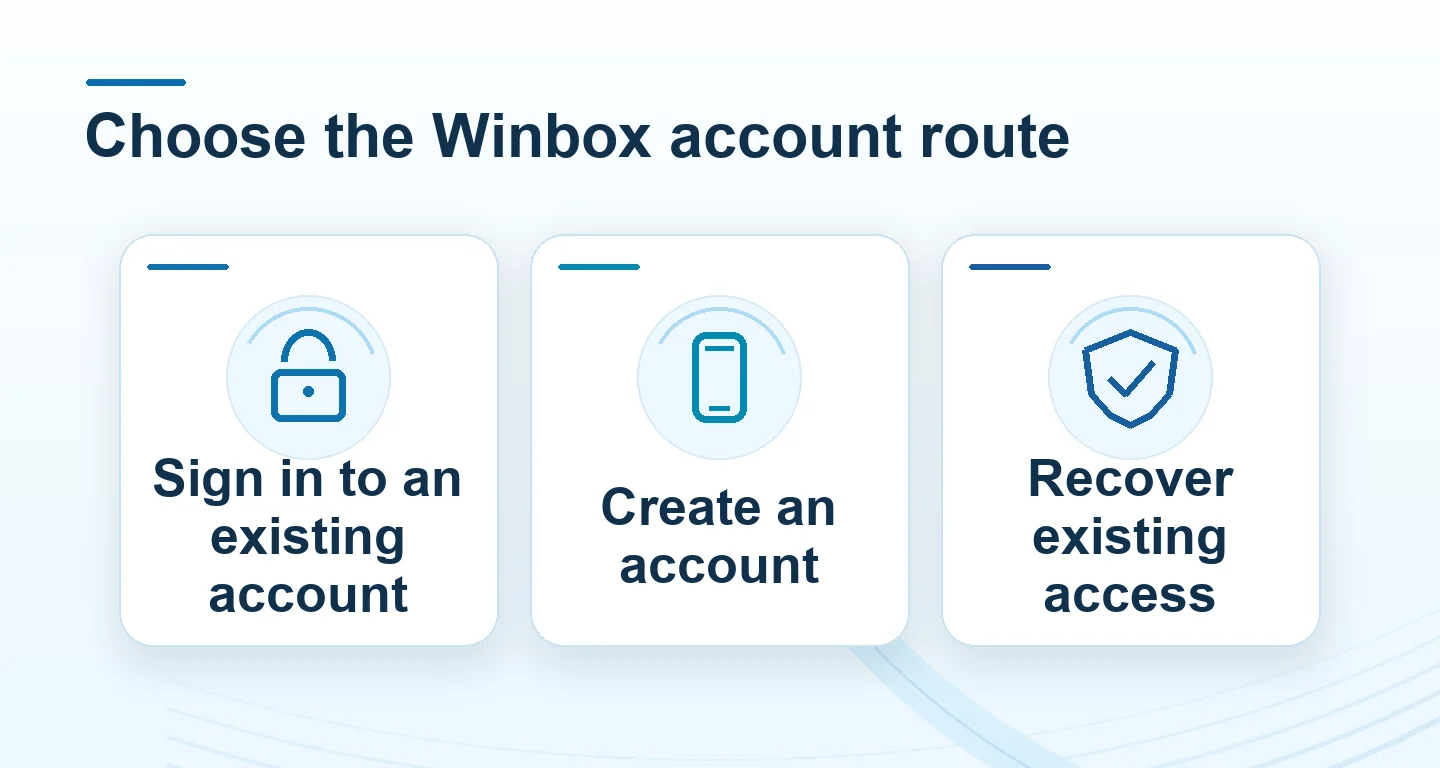
Check whether you are signing in, registering or following up on an existing request. Use the route for that task so your old reference stays with the right account.
| Task | Where to start | What to keep |
|---|---|---|
| Use an existing account | Open Login from the public Winbox navigation | Any identifier prompt or error text |
| Create an account | Open Register and review the current form and terms | A confirmation reference if the form returns one |
| Recover access | Use the recovery instructions or contact Winbox | Time, displayed error and the recovery step that failed |
| Resume verification or a payment | Open the existing account and its history | Status and the reference for the original request |
Split a blank panel from a rejected sign-in
If a guide loads and sign-in stays blank, record the browser and time before changing settings. Try the account page in your ordinary browser if the first attempt came through a chat viewer. If the form loads and rejects the identifier, read which type it asks for. Follow recovery instead of repeatedly guessing credentials. Once signed in, check existing history before repeating a payment or identity submission.
Questions, answered
Should I clear all browser data when login fails?
First read and record the error, check the login method and test the connection. Clearing all data can remove sessions and context without fixing incorrect credentials or account restrictions.
Does fullscreen keep my account signed in indefinitely?
No. It changes the display area. The account service still controls authentication and session expiry.