
Check what actually happened
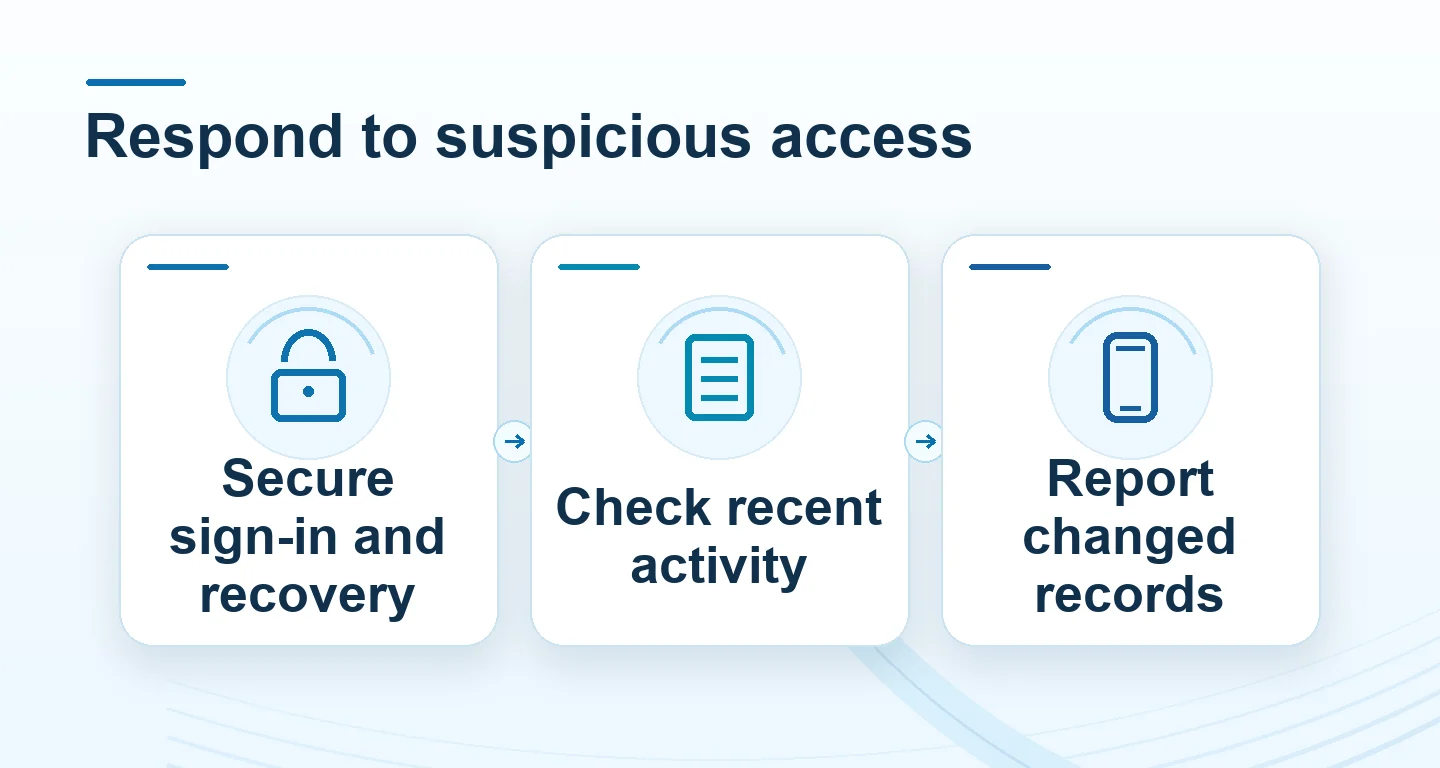
An unfamiliar login notice, a password reset you did not request, changed payment details or a transaction you do not recognise each needs a different follow-up.
Read the full explanation
Record the time, the wording of the notice and whether you can still access the account. A location label alone may be imprecise; a changed phone number or unauthorised withdrawal is a more concrete issue.
Stop making deposits while you investigate. Open Winbox using your saved address rather than the link in the unexpected message, then check the account's own history.
Restore control from a device you trust
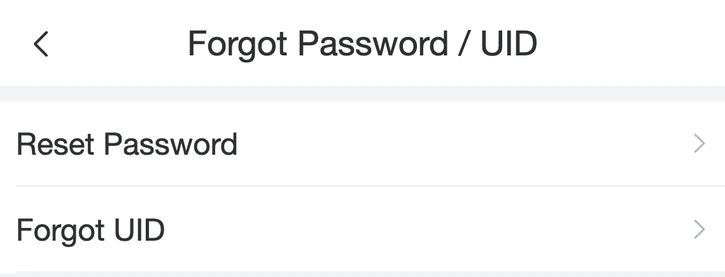
Use the password-change or recovery flow supplied inside the account service. Choose a new password that is not used for another account.
Read the full explanation
If session or device controls are available, review them and end unfamiliar sessions; do not assume changing a password automatically closes every session.
When you cannot sign in, use the recovery option or reach Winbox support from Contact us. Tell support that access may be compromised, rather than asking only for a routine password reminder.
Support should not need your password or one-time code.
Review the recovery channel and account details
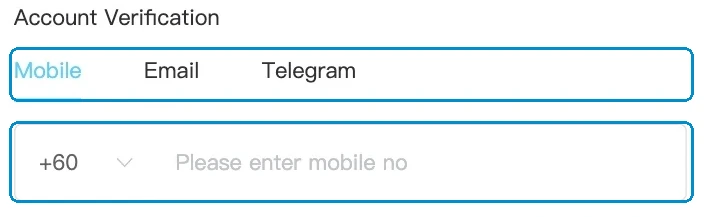
If the account uses your phone or email for recovery, secure that channel as well. Check unfamiliar email forwarding or recovery changes using that provider's own settings.
Read the full explanation
In Winbox, compare the contact number, linked payment destination, verification status and recent transaction history with your records. Report any change you did not make.
Do not edit several unrelated fields at once while trying to reverse a problem: record the original issue and follow the correction process. Enable additional authentication only where the actual account service offers it.
Send a report that can be investigated
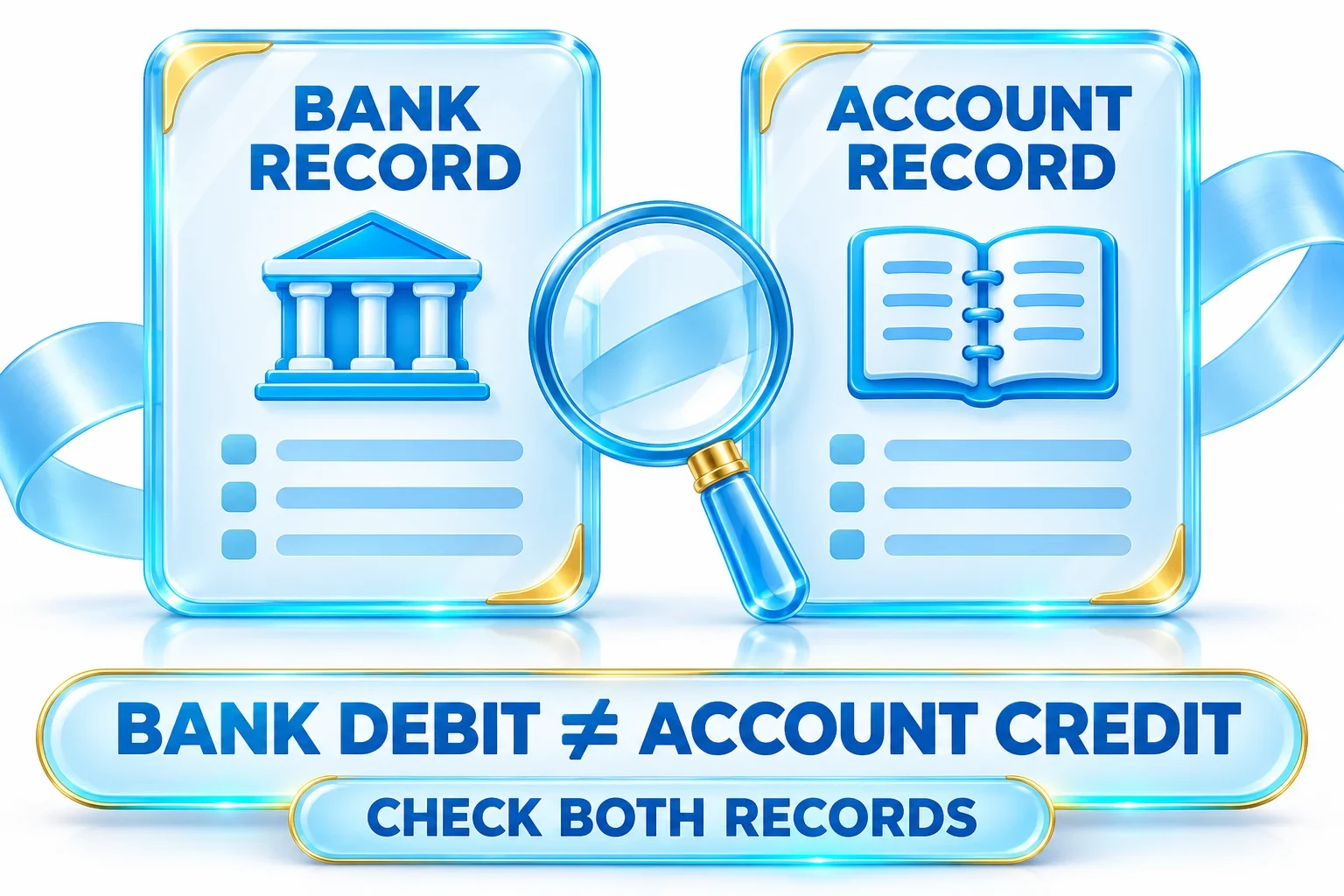
Prepare a short timeline: when you last signed in normally, when the unfamiliar event appeared and what changed. For a transaction issue, include the reference, amount, currency and account status.
 Deposit and payment support
Read the full explanation
A screenshot should retain the error and relevant reference while hiding passwords, codes and unrelated personal information. Ask for a case reference and what action is available for the affected request.
An unfamiliar withdrawal marked pending needs a prompt report; do not assume it can be cancelled or that a completed transfer can be reversed.
Avoid the follow-up recovery scam
An unsolicited helper may claim that sending another deposit, installing a remote-control app or handing over a verification code will unlock the account. Stop that conversation and return to Winbox's existing contact route.
 Help centre: find the right next step
Read the full explanation
Do not scan a replacement login QR or install an update sent by a stranger. Once the original case is resolved, check that your contact details are correct and monitor new activity.
Keep the case reference so that a second event can be linked to the first instead of restarting the explanation.
Questions, answered
I changed my password but another unfamiliar transaction appeared. What next?
Stop account activity and update the existing support case with the new reference and time. Ask for an access and session review, and secure the phone or email used for recovery. A password change alone is not proof that every access route has been closed.