
What the Winbox icon actually opens
The home-screen option saves an entry point to Winbox. On supporting devices it opens an app-style window; on others it may behave as a website shortcut.
Read the full explanation
The site's installation start page is login, so opening the icon can return you there rather than the article you were reading. It does not create an account, complete identity checks or save a guaranteed authenticated session.
You still need an internet connection and may need to sign in again when the account session expires.
iPhone and iPad: add from Safari
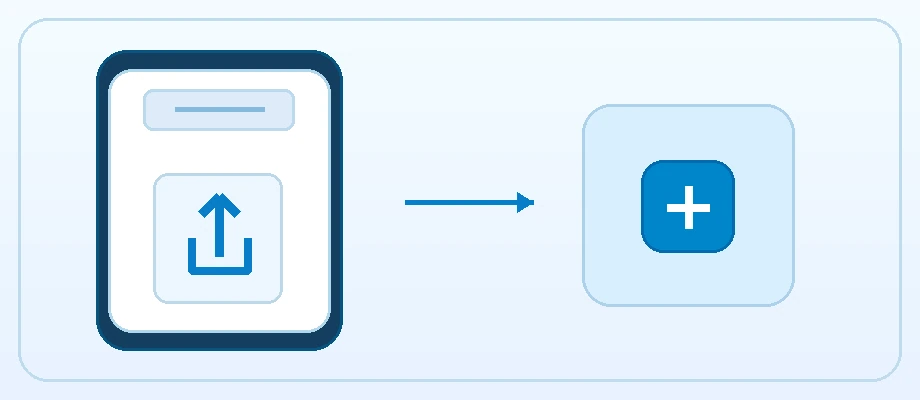
Open the Winbox account page in Safari. On iPhone, use Share, which may be inside the Page Menu, then find Add to Home Screen. If it is missing, check Edit Actions in the share sheet.
Read the full explanation
On iPad, Share may lead through View More before Add to Home Screen. Review the displayed name and address. If Open as Web App is shown, enable it for a separate app-style window, then add the icon and test it from the Home Screen.
If you started from WhatsApp or a social-media browser, open the page in Safari first; the embedded browser may not expose the same action. The icon is added on the device where you perform these steps. Adding it on an iPhone does not itself add it to an iPad or establish a signed-in session there.
Android: review the browser's install action
In Chrome, open Winbox and look in the menu for Add to home screen or Install. You can also try the Winbox account page's install control when Chrome offers a prompt. Read the prompt and confirm, then test the new icon. If the app is already installed, the browser may offer to open it instead of installing another copy. A missing install prompt does not stop browser access; keep a bookmark while checking browser support.
Avoid unrelated application downloads offered through forwarded messages.
If the icon opens an old or offline page
Reconnect, close the app window and reopen it before trying an account action. If the same problem appears in the browser, describe it as an access issue rather than an installation failure. Removing a shortcut does not close your Winbox account or delete operator records. Before sharing a device, sign out of the account and review saved browser credentials.
Keep the normal Winbox bookmark as a fallback so an icon problem does not force you to rely on a link from an unknown sender.
Questions, answered
Why does the installed icon open login instead of this article?
Winbox's web-app start page is the account login. The icon provides account access; use the normal website navigation to return to the journal.
Does removing the icon delete my account?
No. It removes the device entry point. Account closure or data requests must go through the account service and support.