
Identify which value the screen is asking for
A login password, payment PIN, one-time code and verification amount serve different purposes. The shared Winbox help describes a six-digit payment PIN for secondary confirmation before a transfer or withdrawal.
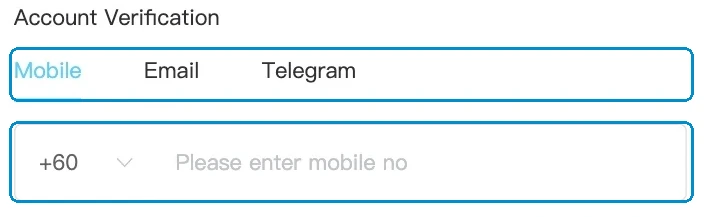
| Value | Purpose |
|---|---|
| Login password | Access the account |
| Payment PIN | Confirm a transfer or withdrawal when requested |
| OTP | Complete the specific verification that requested the code |
| Received verification amount | Match the bank credit for withdrawal second verification |
Read the full explanation
It is a value the player sets, not a new SMS code for each login. Read the prompt before entering anything; a field accepting numbers does not make all numeric values interchangeable.
The comparison below separates these controls without displaying a sample secret for you to copy.
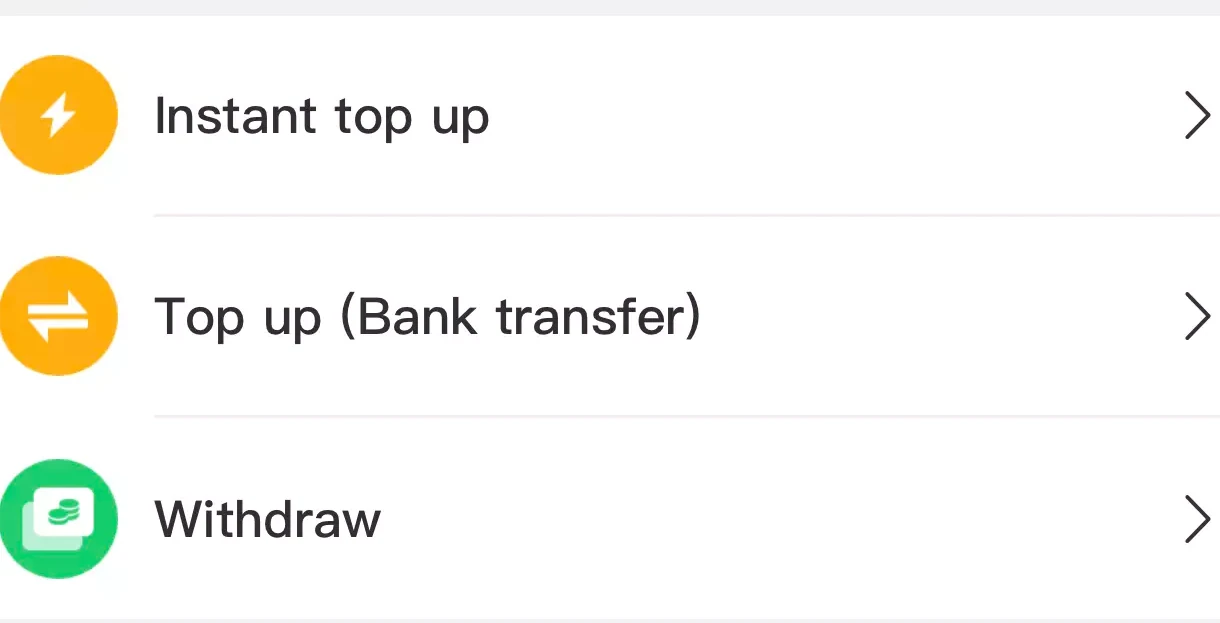
Change a PIN through your own account settings
The public help places the payment-PIN change under Settings. Start through Winbox and use the settings offered inside your authenticated account, rather than a form sent in an unsolicited message.
Read the full explanation
If the change asks for the existing PIN and you cannot remember it, use the approved recovery or support route for that control. A password-reset form is not evidence that a payment PIN has also been reset.
This article explains the distinction; it does not collect or change credentials.
Match a confirmation to an action you initiated
Before confirming a payment action, compare the operation, amount and destination shown on that screen. If you did not initiate it, stop rather than supplying a code to make a warning disappear.
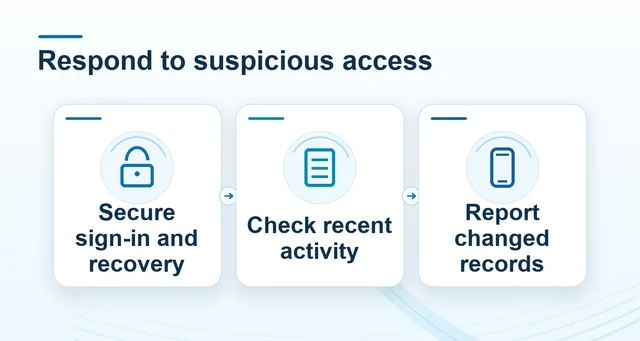 Protect your Winbox account after an unfamiliar login
Read the full explanation
Do not send a PIN or OTP to someone claiming they need it to credit a reward, release a transfer or repair an account. Open the known Winbox support route independently.
Changing a secret and cancelling a previously accepted payment are separate tasks, so retain the original transaction reference if an unfamiliar request also appears in history.
Report the problem without revealing the secret
Tell support which control is involved, the page, the time and the exact error wording. Crop screenshots so the entered PIN, OTP and unrelated personal details are not visible.
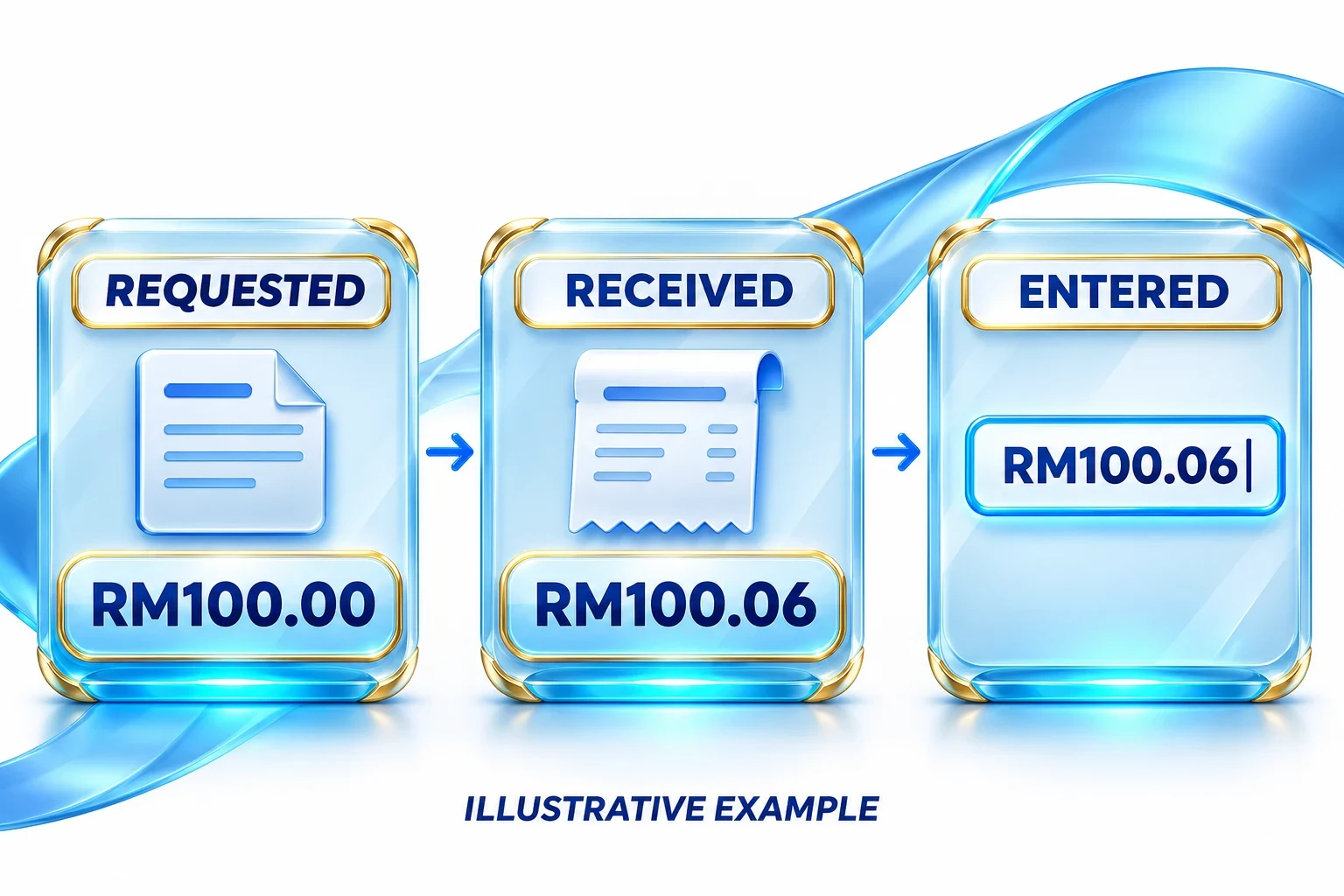 Withdrawal second verification: exact amounts
Read the full explanation
Do not turn repeated guesses into a recovery method, and do not apply the second-verification amount lock rule to every PIN or password prompt.
If a secret may have been exposed, follow the account-security guide for containment and review the account history. Use the authenticated change or recovery process to set any replacement yourself.
Questions, answered
Is the six-digit payment PIN a new SMS code for every login?
No. The public Winbox help describes a player-set PIN for payment confirmation. An OTP belongs to the particular verification that requested it. Use each only in its matching prompt and never send either to another person.
How do I set up a payment PIN?
Sign in through Winbox and look in your account’s payment or security settings for the PIN setup option. Complete any verification shown inside the account. Choose a PIN you can remember and keep it out of screenshots or messages to support.