
Record the failure before changing settings
A page that never opens, a redirect loop and a working Winbox page with an empty account panel are different failures. Record the exact browser message, address, time and device first.
Read the full explanation
If an account action was already submitted, keep its reference and inspect its history before retrying that action. A loading indicator cannot tell you whether a payment or game request was accepted.
This guide handles the browser route; use the account-access walkthrough when the form opens but rejects an identifier or password.
Read connection warnings separately from loading errors
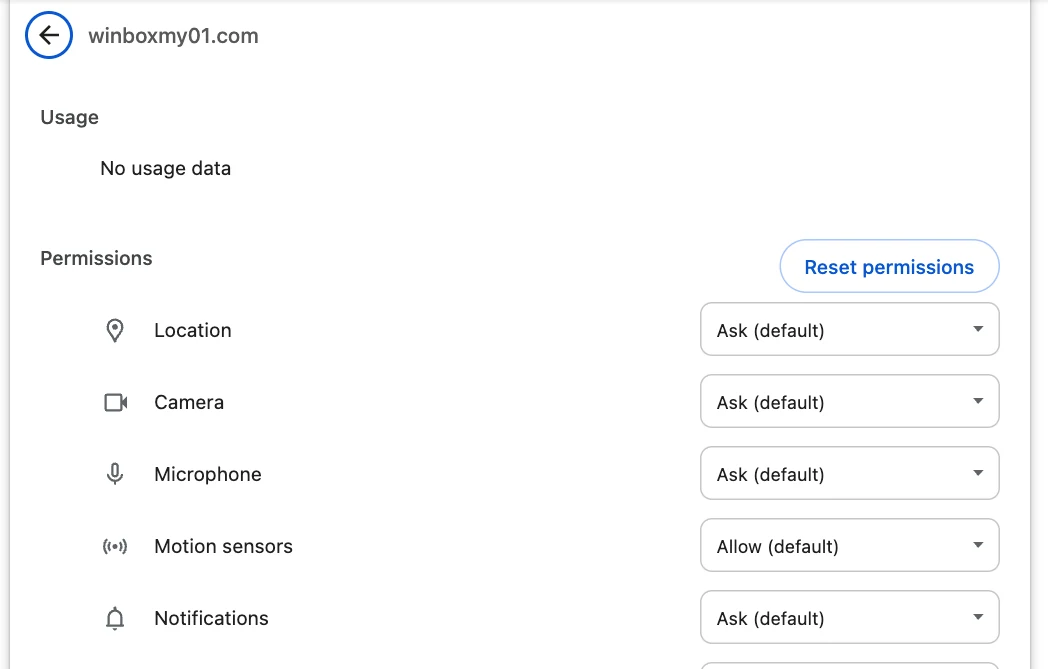
Chrome distinguishes an unprotected connection, a certificate/privacy error and a dangerous-site warning. Stop account entry when one of those warnings appears; do not press through a warning to test your password.
| What you see | What to record | Next Winbox step |
|---|---|---|
| Too many redirects | Starting address and final error | Report the route, not a password failure |
| Certificate or privacy warning | Exact warning and address | Stop entry and contact support |
| Winbox loads; account panel does not | Which panel failed and at what time | Use the account-access guide |
Read the full explanation
Return to your saved Winbox address and report the warning if it remains. Even a valid HTTPS connection does not prove that a familiar-looking page belongs to the intended operator.
Read the actual address, not just a logo, bookmark label or message preview. An unfamiliar destination needs checking before any account details are entered.
DNS resolution is different from a changed address
DNS maps a domain name to the network address used to reach it. A name-resolution failure can prevent the first page from opening; a redirect happens after a service sends the browser to another address. Those observations help describe the problem, but neither proves why it happened. If the same typed Winbox address behaves differently on two connections, record which connection failed.
Do not treat a working alternative network as proof that an unfamiliar mirror is legitimate, or change DNS and security settings because a forwarded message tells you to.
Keep a troubleshooting test separate from account activity
For an ordinary loading error without a security warning, check the typed address, connection and browser version. A fresh private window can help compare browser state, but it may not share the original sign-in session.
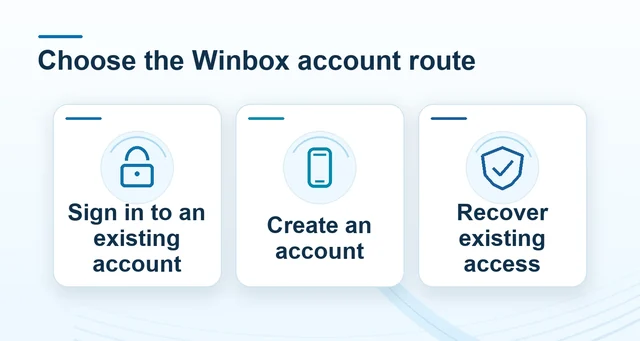 How to access your Winbox account on Winbox
Read the full explanation
Use it to inspect loading, not to submit the same pending account action again. If support asks for a site-data reset, first keep the error and case reference and understand that the browser may sign you out.
Resetting local browser data does not reverse an account transaction. Avoid changing several settings at once: record one test and its result.
Report the browser route through your existing support case
Send Winbox support a short sequence: the address you opened, the final visible address, the exact error, the time and whether the surrounding page or only the account panel failed.
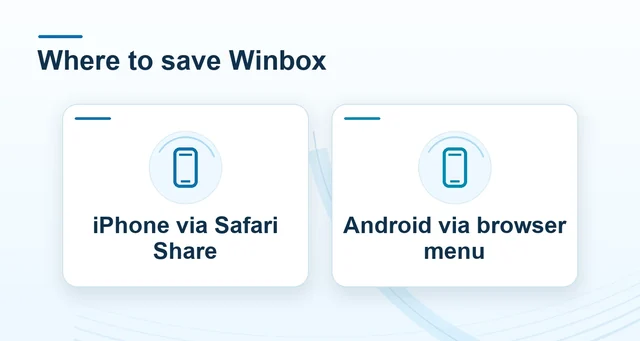 Winbox mobile and browser access
Read the full explanation
If you already have a case, add the comparison there instead of opening several disconnected reports. Remove passwords, one-time codes and private query values from screenshots.
If the page is unusable, return through your previously saved Winbox contact route rather than a replacement number inside a warning page. Once normal access works, test a bookmark or home-screen entry separately.
Choose the next check by what you see
If the guide opens on mobile data and fails on Wi-Fi, record both outcomes. Look for a network sign-in screen on the affected connection.
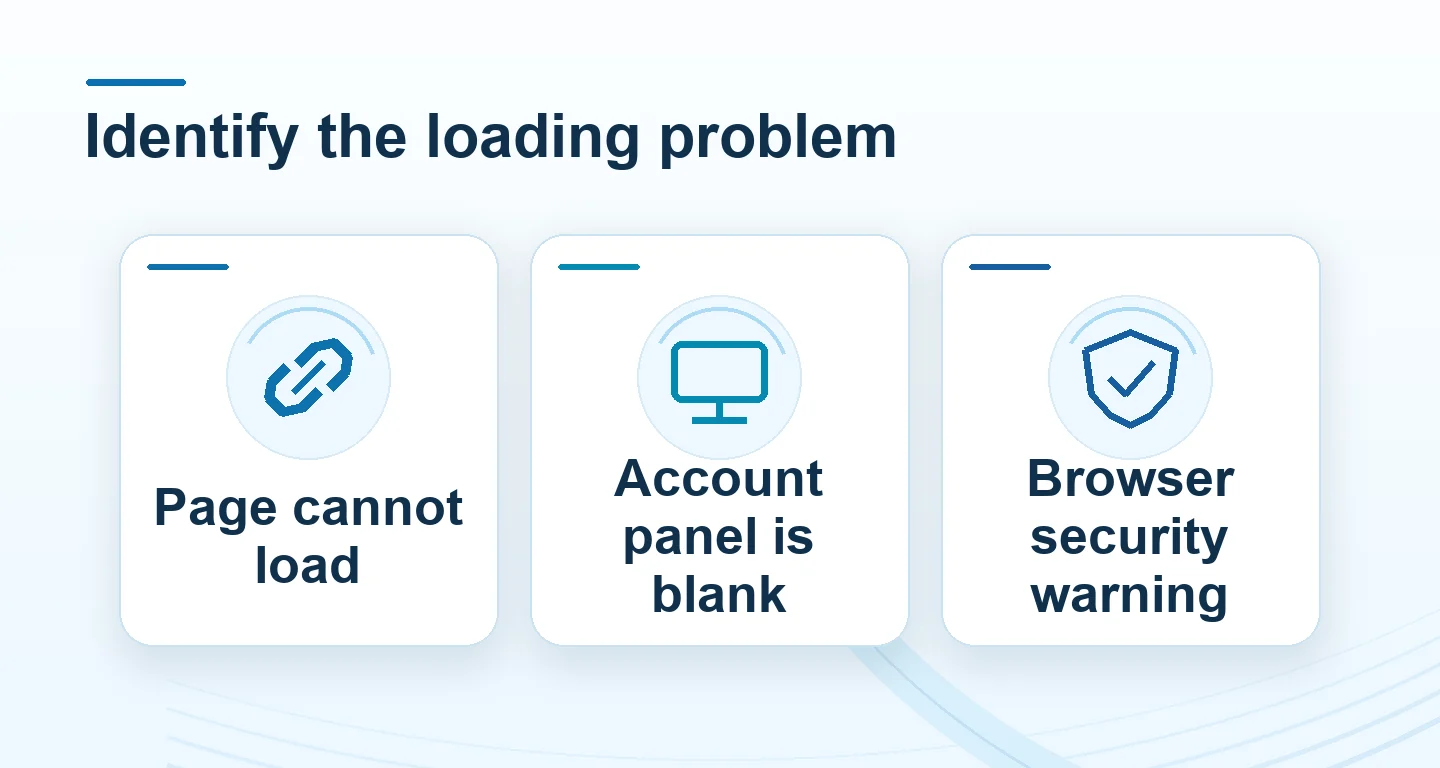
| Symptom | Useful next check |
|---|---|
| The address never loads | Try the same confirmed address on a trusted second connection. Keep the exact browser message. |
| The browser says the password is incorrect | Use the account recovery flow once the form loads normally. |
| The Winbox page works but the form space stays blank | Test the regular browser instead of the in-app viewer. Note which part loaded. |
| Unfamiliar domain, deceptive-site warning or certificate failure | Stop entering information. Report the exact address and warning from a confirmed route. |
Read the full explanation
If a transaction was already submitted, compare history for the original request before trying the action again. To report a persistent issue, give support the device, browser, address, time and action that triggered it.
Questions, answered
Does loading successfully on another network prove that a new Winbox address is genuine?
No. That comparison describes reachability, not ownership or trust. Check the actual destination against your saved Winbox route; a successful load and a valid HTTPS connection do not authenticate an unfamiliar operator.