
What to check
Their rank, logos and previews can look equally familiar. The final address, rather than the text in the result, is the detail to compare against the site you already know.
Use the result list for discovery
Set your login bookmark from the confirmed Winbox homepage before using a search engine to find guides or announcements.
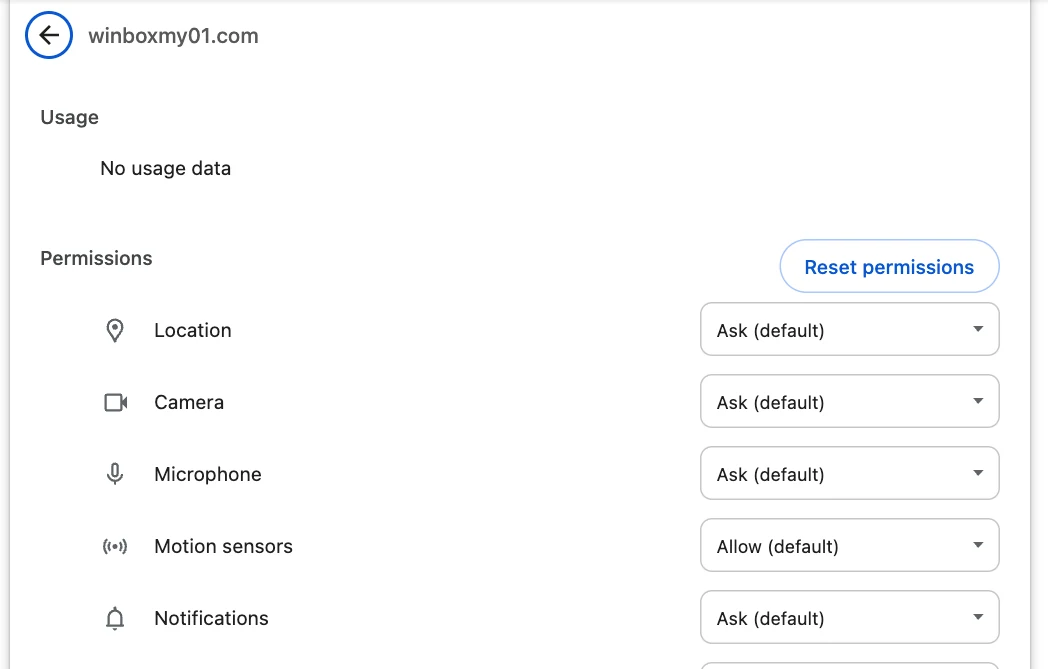
| How you found the link | What to check |
|---|---|
| Ordinary search result | The opened hostname and any later redirect |
| Sponsored result | The ad label, displayed address and final destination after clicking |
| Link from a message or group | Where the shortened or forwarded link ultimately opens |
Leave an unexpected login page
Imagine an ad uses the brand name and drops you on a page that asks for a password and a one-time code. Close the tab. Type the known Winbox address or open your existing bookmark.
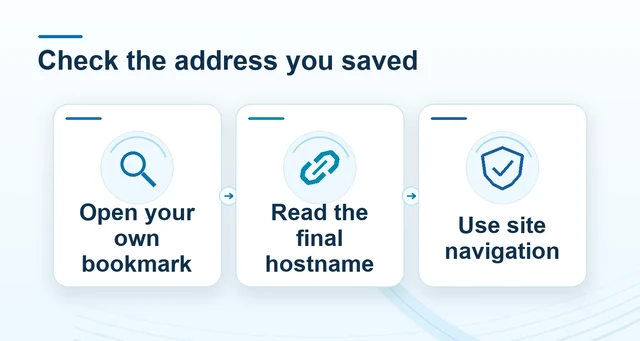 Check Winbox addresses, redirects and saved bookmarks
Read the full explanation
Follow Login from the site navigation and compare the destination in the address bar.
If a result page asks you to install an app or update to continue, check Winbox Mobile Access before accepting any download. When reporting a lookalike to support, provide the displayed title, final hostname and time. A screenshot is enough to show the difference, with any account details hidden.
How to use the record
Use search for discovery and switch to a saved Winbox route for sign-in. If you reached a login through an advertisement, leave it and reopen the known homepage before entering credentials. Save the confirmed login page only after returning through the site’s navigation so you can repeat the same route next time.