
What to check
A home-screen entry normally opens an address or web app. A native installer changes the software installed on the device. The familiar icon on any of these can be copied, so the entry method matters when checking the source.
Identify what the phone is asking you to do
Read the prompt before tapping. The phone may be opening the site, saving an icon or asking to install separate software.
| Prompt you see | What it means | Next check |
|---|---|---|
| Sign-in in a browser tab | A website loads the account form | Read the final browser address |
| Add to Home Screen in the browser menu | The browser saves a shortcut or installs a web app | Check where the icon opens before entering account details |
| Download a package or install a profile | The phone may add software or a device setting | Verify the publisher and the Winbox access instructions first |
Handle an unexpected update screen
Suppose a login link opens a page that refuses to continue until you download a file. Return to the Winbox homepage through your own bookmark.
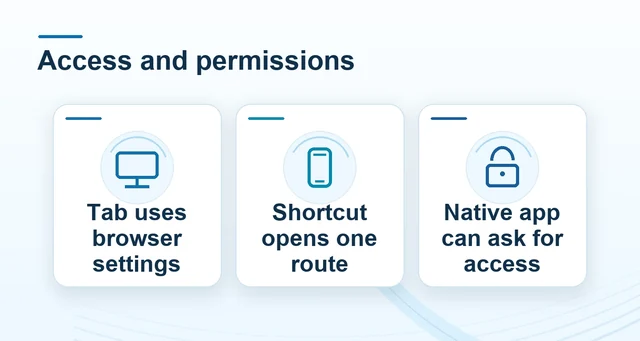 Winbox browser, web app and device permissions
Read the full explanation
If the normal account route opens without the prompt, save the original link and time for support and leave the file unopened.
If you already installed something, check your device’s app or profile settings and note what was installed or allowed. Public help can identify the installation route. A separate account-history check can show whether sign-in, recovery or payment information changed after you used it.
How to use the record
Begin from the Winbox mobile guide and identify which action you actually intend. If a login page asks for an unfamiliar package or profile before showing the form, close it and start again from Winbox. If you opened a download, review the permissions granted on the device as well as any account activity.