
Find a question without opening every guide
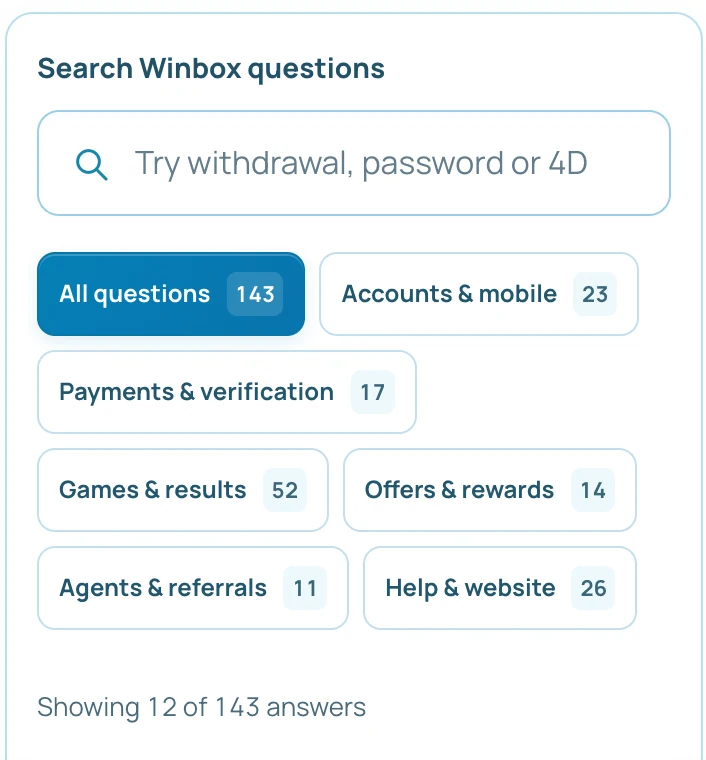
Search uses the question, answer and guide title together. Choose a topic to narrow the collection; the topic and search both apply, so clear one if a question seems missing.
Read the full explanation
Show more answers expands the current result list without changing your filters. Each answer includes a link to its full guide, where the steps, examples and related pages remain together.
Keep account status separate from a general answer
A FAQ explains a task; it does not approve a payment, activate a reward or reset an account. For a promotion, read the offer's own conditions and applicable dates. For an unresolved account issue, open Winbox contact support and send the relevant reference with private details masked. Do not send passwords or one-time codes. A clear question and the matching guide address help the team identify the record you mean.