
Three records describe different stages
A Winbox request reference identifies an account operation. A transaction hash, also called a TXID, identifies an operation submitted to a particular blockchain.
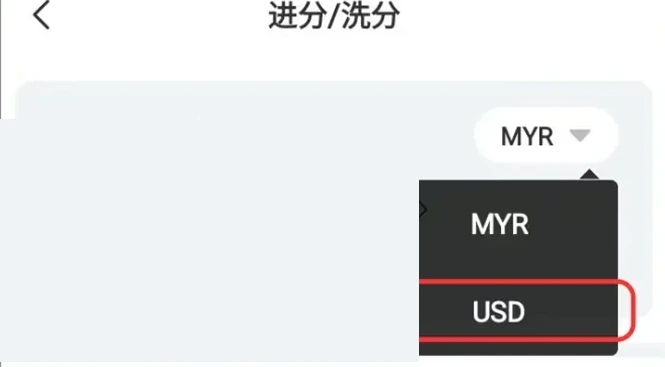
| Record | What it identifies |
|---|---|
| Winbox reference | The deposit or withdrawal request in account history |
| TXID / hash | The transaction on the named blockchain |
| Receiving credit | Posting in the receiving wallet or service |
Read the full explanation
A wallet or account credit is the receiving service’s record of the amount becoming available. These references can appear at different times.
Copy the value’s label with it: entering a Winbox request number into a blockchain explorer does not establish whether a transfer succeeded.
Begin with the original account request, then follow its network record if one has been supplied.
Match the asset, network and recipient separately
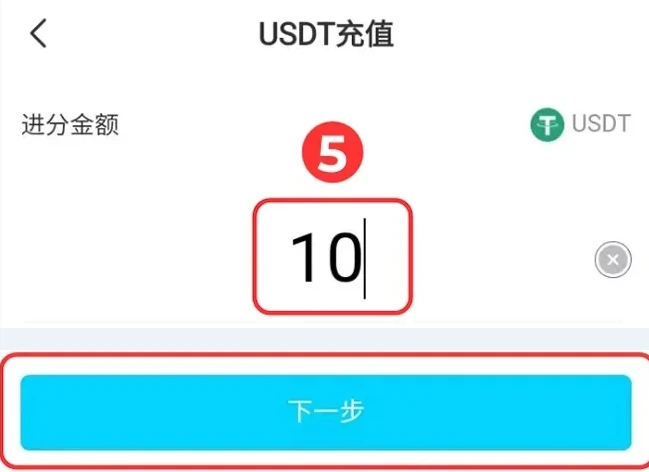
Tether issues USD₮ on multiple blockchains. That does not mean a receiving service supports every network or that one address can be substituted for another.
Read the full explanation
Record the network actually selected, such as a TRON or Ethereum route when offered, alongside the token and recipient. A token-contract address identifies the asset’s contract; it is not your personal deposit address.
Use the current receiving instruction from the account or wallet, not a contract address copied from an asset-information page.
Read execution status before assuming account credit
A transaction being recorded on a blockchain does not by itself prove a successful token transfer or a receiving-platform credit.
| Observed record | Next check |
|---|---|
| Winbox pending; no hash supplied | Ask Winbox about that existing request and broadcast status |
| Hash not found | Check the complete hash and matching network with the sender |
| Network execution failed | Keep the failure result and reconcile fees/account status with the sender |
| Transfer successful; receiving credit missing | Match asset, recipient and amount; contact the receiving service |
Read the full explanation
TRONSCAN explains that a failed TRON transaction can still incur a network fee even though the transfer amount did not leave the sending address.
A successful transfer to the correct destination can also precede a receiving service’s posting checks. No universal confirmation count, processing time or Winbox refund promise follows from those examples.
Keep the account ledger and network result together when asking for reconciliation.
Prepare one traceable support case
State whether the transfer is into or out of Winbox. Include the original Winbox reference, asset, network, amount, time and timezone, and the full TXID if available.
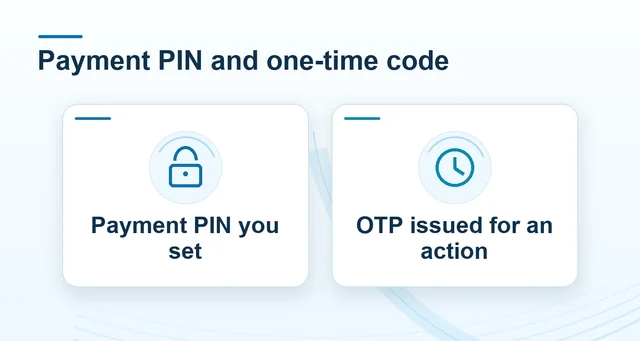 Winbox payment PIN, password and OTP explained
Read the full explanation
For a destination mismatch, identify the address recorded on the request and on the network result without posting the case publicly. A transaction hash can expose financial activity, so share it only where needed.
Never include a wallet recovery phrase, private key, login password, payment PIN or OTP. Reconcile the first request before repeating it.
Questions, answered
Can a failed TRON token transfer still have a network fee?
Yes. TRONSCAN distinguishes the failed transfer amount from the network fee for the recorded transaction. That does not determine Winbox’s account adjustment or a receiving service’s fee policy; reconcile the actual request and network record.