
What to check
Before submitting, match the method, account or recipient, amount, currency and reference with the current request. A copied wallet display or an old screenshot can show a destination that belongs to a different request.
Read the recipient before using any payment details
Keep the recipient, amount and current request together. Compare them before reacting to any replacement details you receive.
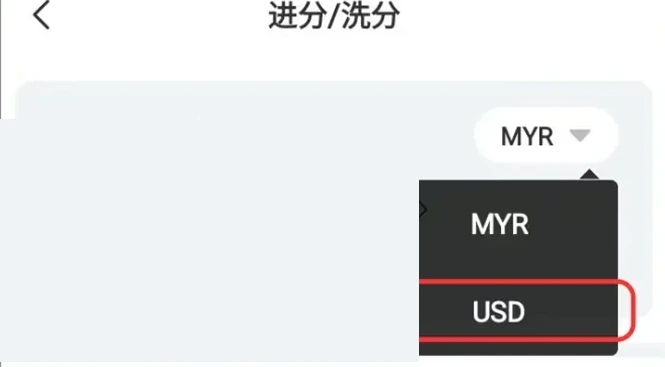
| What happened | What to check |
|---|---|
| You opened the payment screen normally | Match method, amount, recipient and reference to the current request |
| The recipient changed after a chat link or redirect | Close the page and return through the known Winbox account route |
| The account says pending and the bank shows a debit | Keep both references and let support trace the first request |
| You sent to an unfamiliar recipient | Contact the payment provider and Winbox through their published routes with the details |
A changed recipient is a separate decision
Suppose a payment screen shows one recipient and a later chat message asks you to use another. Cancel the process on the unexpected screen.
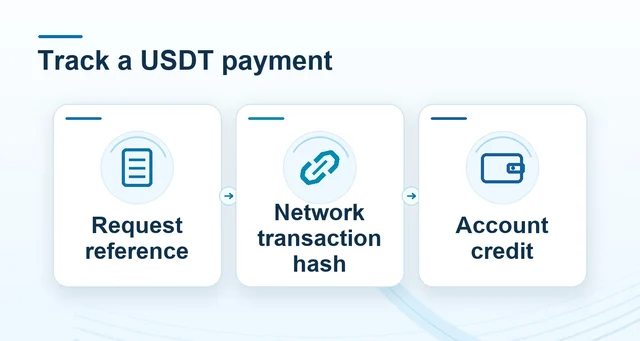 USDT transfer records: request, hash and account credit
Read the full explanation
Open the original request in Winbox and compare the method, recipient, date, amount and displayed status. Report the change with the address where it appeared.
If a debit already posted, save the bank or network status and amount. A failed account display can coexist with a completed debit. Give support both records and wait for the first transfer to be traced before sending a second.
How to use the record
Return through the local account entry if a chat link or unexpected page changes the destination. If a debit already happened, check the bank or network record and the account history separately. Save a transaction reference for support and avoid sending a replacement transfer until the first is traced.