
What to check
Pay attention when a route jumps from a guide to an unexpected form, installer or payment instruction. Copy the final address instead of relying on the link label.
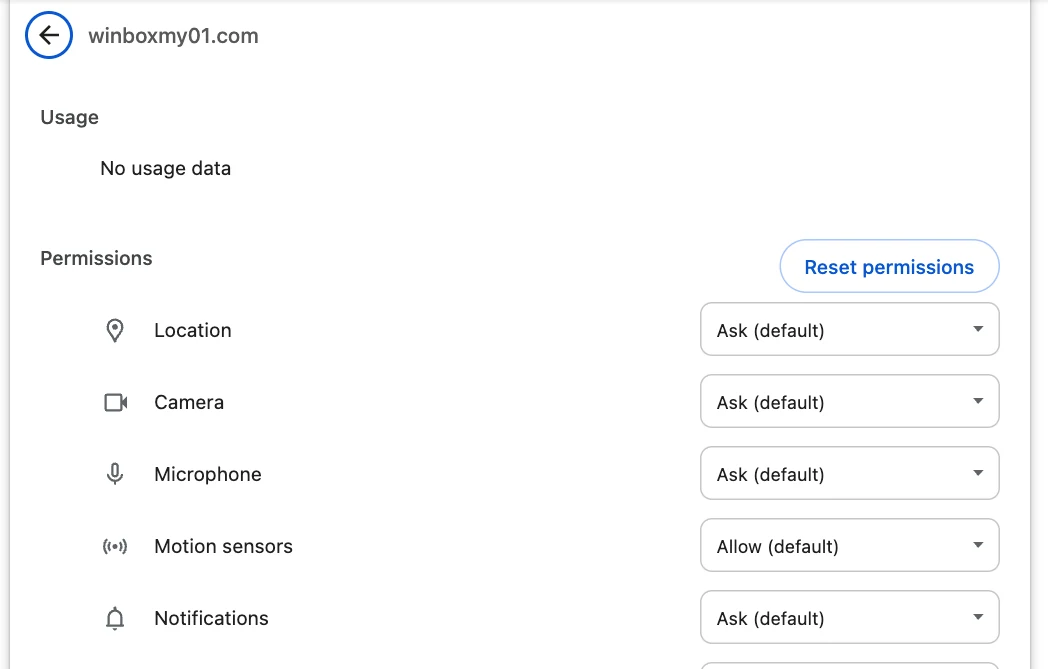
Read the address at the end of the journey
A search result or message can open a familiar-looking guide before sending you to a different hostname. Read the whole destination before entering your details. Browser encryption applies to the host you reached.
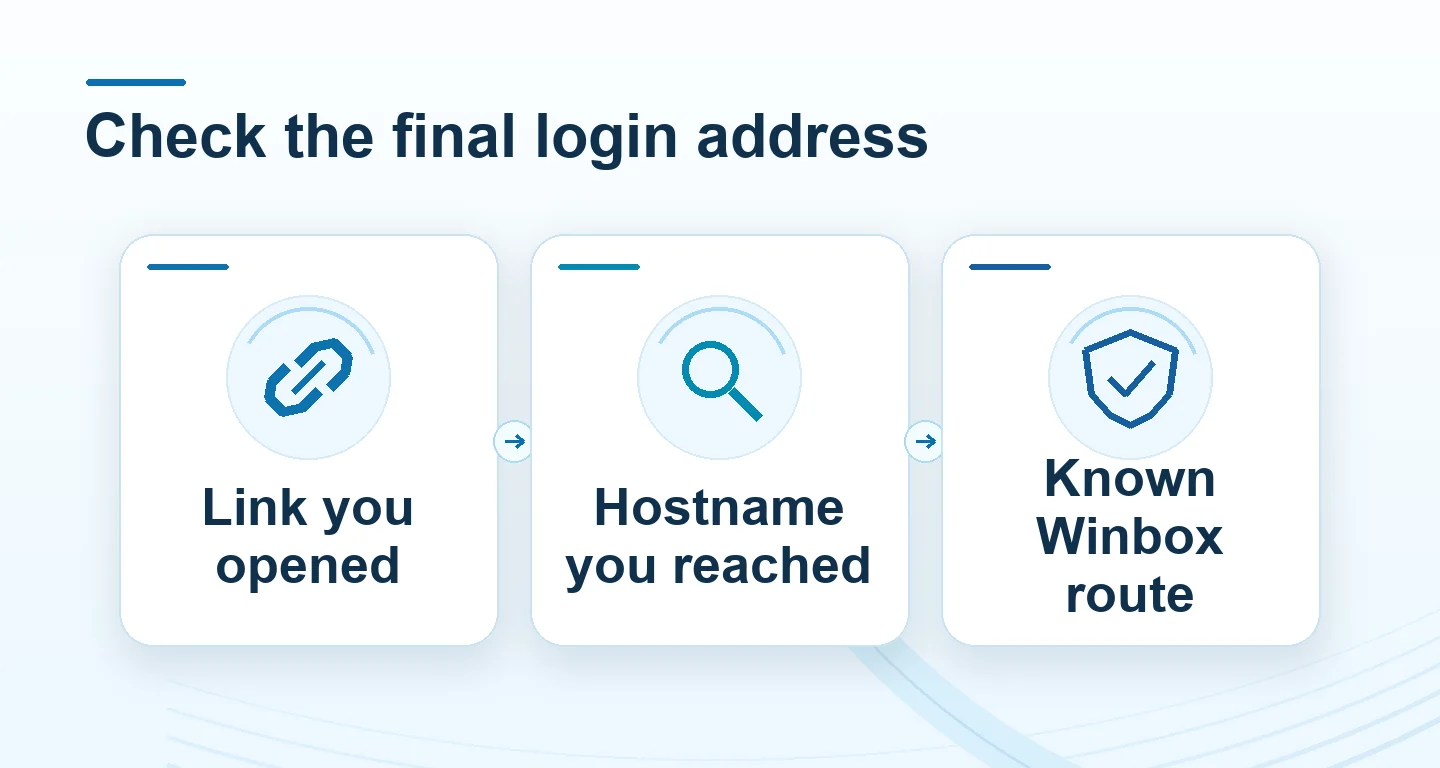
Read the full explanation
Verify the Winbox hostname separately through the address you already know.
For example, a page may announce that your session expired and say you have two minutes to verify a wallet. Leave the page and open the known Winbox homepage yourself. A genuine problem with your existing account can be checked through the normal login or contact route. Save a screenshot of the original prompt only if you can hide private details.
If you already used the form
Return to Winbox independently. Check account access and recent history. Follow recovery instructions if you entered a password, and secure the email or phone used for recovery.
Read the full explanation
If you shared a payment code or attempted a transfer, keep the actual transaction reference and raise the case through Winbox and the payment provider.
How to use the record
Start over from the Winbox homepage and open its login normally. If the unexpected route was shared in a message, save the message and destination for the Winbox contact team. If credentials were submitted, use the account protection guide to check access and recent transactions.