
What to check
A game testing badge identifies a different kind of record from an operator licence, and an authorised supplier cannot transfer its status by appearing in a catalogue.
Match the disclosure to its public register
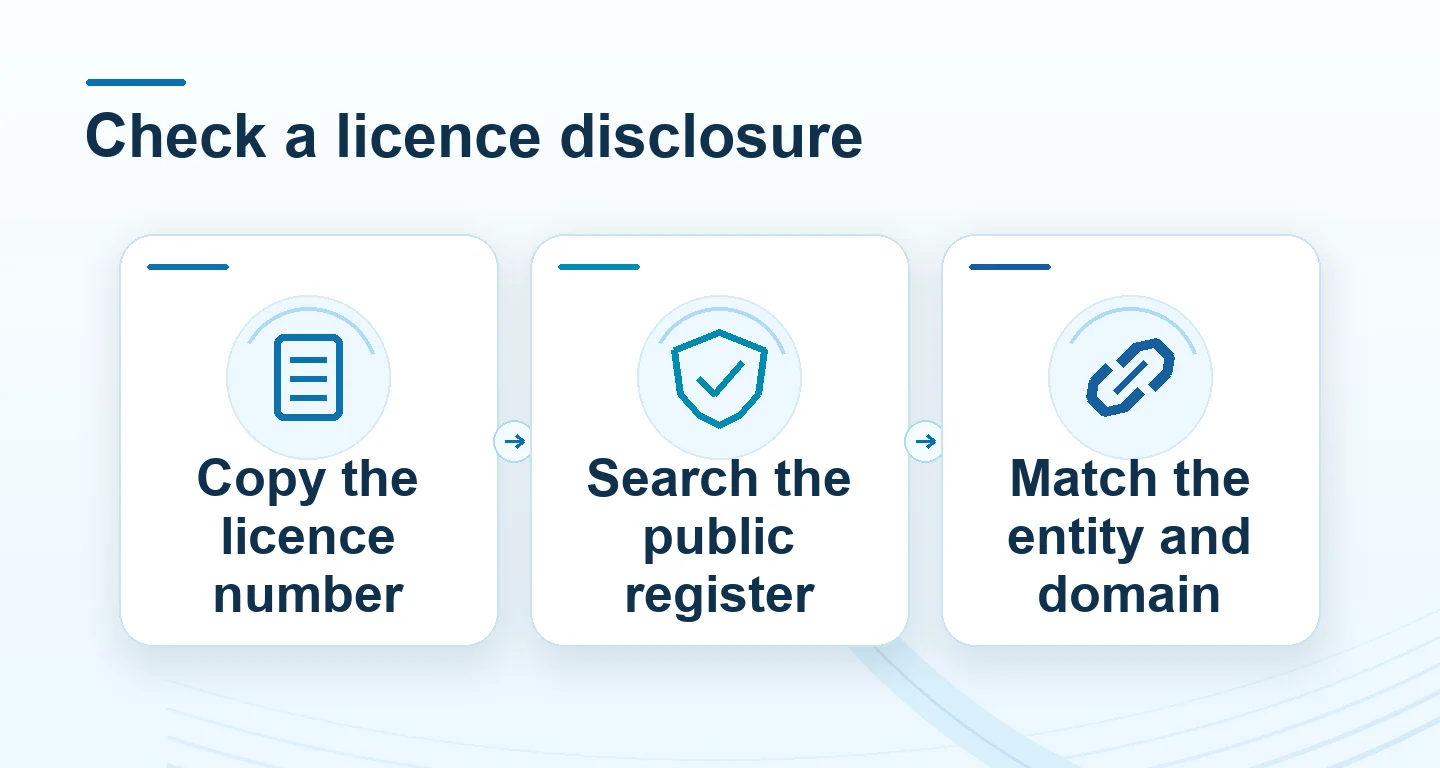
Copy the legal operator name, licence number and regulator shown in the disclosure. Open the regulator’s public register independently. Search by the complete number, then compare the organisation name, scope, territory and status.
| Register result | What it can establish |
|---|---|
| Same entity and active record | A named licence exists for the listed scope and dates |
| Similar name with a different number | The two records need to be reconciled before relying on the claim |
| Domain absent or different | Check whether the register uses an annex, trading-name list or a separate domain field |
| Game testing certificate | The named game or test component has its own scoped record |
Read the full explanation
Where the register identifies approved domains or trading names, check those fields against the website you opened.
Keep the exact point of disagreement
For example, a disclosure might name a brand while the register names a company. Ask for the document linking that company to the website and service you are looking at. Save the disclosure date and entry name so the answer can be checked later. A public register entry supplies facts about its listed scope. Rules applying to a particular person or location can require a separate official check.
How to use the record
If the public record does not name the website, find out how the claimed operator is related to the named entity. For an Winbox service question use its current terms and contact page. Avoid inferring a territory or permission from the display language or similarities between company names.