
What to check
A test report, game help panel and site terms serve different purposes. Match the name and edition before using a published return or testing figure.
Match the evidence to the question
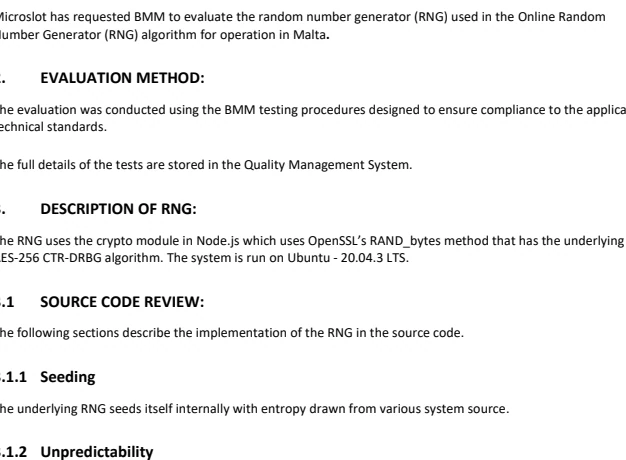
Four screenshots of past outcomes cannot identify a game build. Start with the details in the first column and keep them together if the title needs a review.
| Evidence | What to find in it |
|---|---|
| Game Help | Full title, edition, displayed RTP and the rule you want to check |
| Test report | Issuer, report ID, date, named build and the part that was tested |
| Settled history | Accepted stake, action, result, final credit and round ID |
What to do when the records disagree
A general testing logo can appear beside any tile. Ask for the report that identifies the actual game or component. If the report lists one release and your Help panel shows another, keep an image of both version labels.
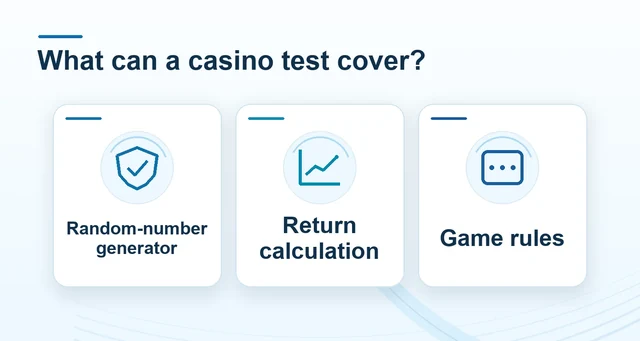 What a casino test report actually covers
Read the full explanation
If the game lists several returns, record the displayed setting before using a figure from a different screen.
For a single-round dispute, compare the accepted record with the paytable for the exact stake and feature. An outcome history helps trace what happened that time. A specific report is needed when the question concerns the random generator or how the return was assessed.
How to use the record
Record the title, version and RTP label from the same help panel. A testing logo or long sequence of screenshots cannot establish a specific build’s review. A settled game record is stronger support material than an animation or an estimate. Use the Winbox provider and slot guides to compare these different types of evidence.