
What to check
Current Winbox access begins in its browser-based account flow and the local catalogue. A legacy installer name or a familiar logo does not establish compatibility with that route or the account build that is available today.
Open the actual game through Winbox
Start at Winbox Games. Choose the 918Kiss provider entry and read the provider label before opening account access. The public tile identifies the provider or game family.
| Entry point | What opens | What to verify |
|---|---|---|
| Winbox in your browser | The account site and its current catalogue | The final address and the title shown in the lobby |
| Winbox saved to your home screen | A shortcut or web app | The destination and whether sign-in is required again |
| Standalone package described in an old guide | A separate installation flow | Publisher, source, current device support and whether Winbox actually offers it |
Read the full explanation
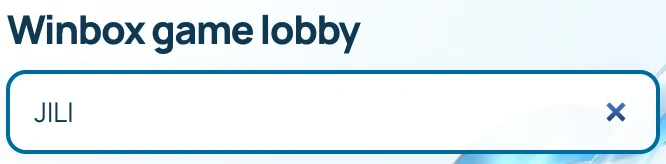
Once the account lobby opens, its search and help panel tell you whether a title is available and which edition you reached.
When a familiar title is missing
Clear the category filter and search for the full title before changing device settings. If it still does not appear, capture the provider tile, title searched and any message. Support can check the catalogue without your password. If an unfamiliar download prompt appears on the way, close it and reopen Winbox through your saved browser address.
How to use the record
Open the Winbox mobile guide to check the device steps, then locate the provider through the current game directory. If the opened title displays an edition label, keep it when comparing older help. Check any unexpected installation request with Winbox support before granting device permissions.