
Find the provider before choosing a game type
AskMeSlot has a Slots entry in Winbox’s shared catalogue. Its supplier describes a wider portfolio, with Slot, Arcade, Board, Card and Fishing categories.
Read the full explanation
The public Winbox label is a way to locate the provider, not a rule that every product uses reels. Start with the AskMeSlot tile and Winbox login, then identify the title and type shown by the account lobby.
A supplier portfolio description does not establish which individual releases are enabled for a particular account.
Match the interaction to the correct record
A reel game commonly has a completed spin or linked feature record. A board or card game can instead use a hand, turn, room or round identifier.
| Supplier category | Identify | Keep for a query |
|---|---|---|
| Slot | Spin and feature sequence | Round ID and final total |
| Board / Card | Hand, turn or round | Room and completed result |
| Arcade / Fishing | Action cost and repeat controls | Session, time range and action record |
Read the full explanation
An arcade or fishing session may contain several charged interactions before a scene ends. Before using a repeat or automatic control, identify the displayed cost and the way the selected title records accepted actions.
A long session summary and one result animation are not necessarily the same accounting unit. Use the format comparison to prepare a precise support query.
Use the balance and history rather than sound cues
AskMeSlot games combine visual and audio cues. Sound can help identify a screen event, but muting the browser does not tell you whether an action was accepted or settled.
 Winbox browser loading, redirects and connection warnings
Read the full explanation
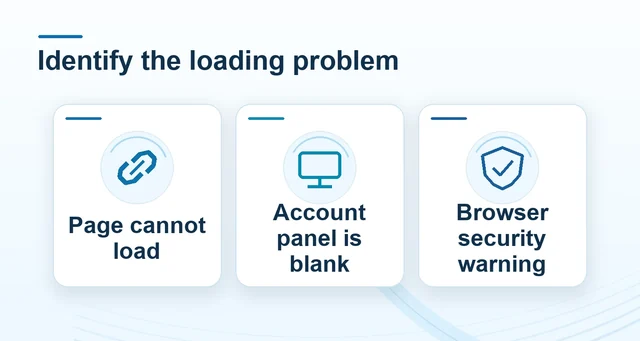
Watch the accepted amount, status and final result in the game record. If a tab is backgrounded, the device rotates or a connection is interrupted, return to history before repeating an action.
Keep the game title and session reference with the time of the interruption, and describe missing sound separately from a missing balance entry.
Separate supplier features from Winbox offer conditions
A supplier’s HTML5, language or graphics description explains delivery and presentation; it does not set the selected game’s RTP, contribution to a promotion or withdrawal rules.
 Read bonus turnover and withdrawal rules before claiming
Read the full explanation
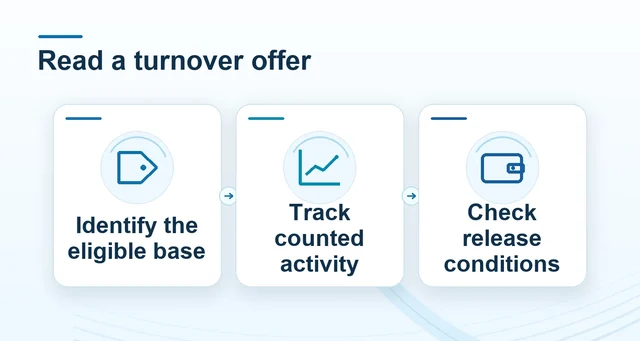
Read the actual information panel for the title and edition. For a Winbox offer, separately check the eligible-provider list, qualifying period and contribution.
Keep the completed game record for an outcome query and the campaign progress record for an offer query.
AskMeSlot’s supplier sales or integration contacts are not the route for a Winbox account issue; use the Winbox support destination.