
What to check
The help centre groups tutorials for verification, deposits and withdrawals. The promotion directory links to individual offer terms.
Go straight to the task you came here for
Winbox’s public pages cover different jobs. Find the task below and open its guide or account route from the site navigation.
| Your task | Start here |
|---|---|
| Use an existing account | Open Login and follow the current identifier prompt |
| Open an account | Use Register and read the requirements on the current form |
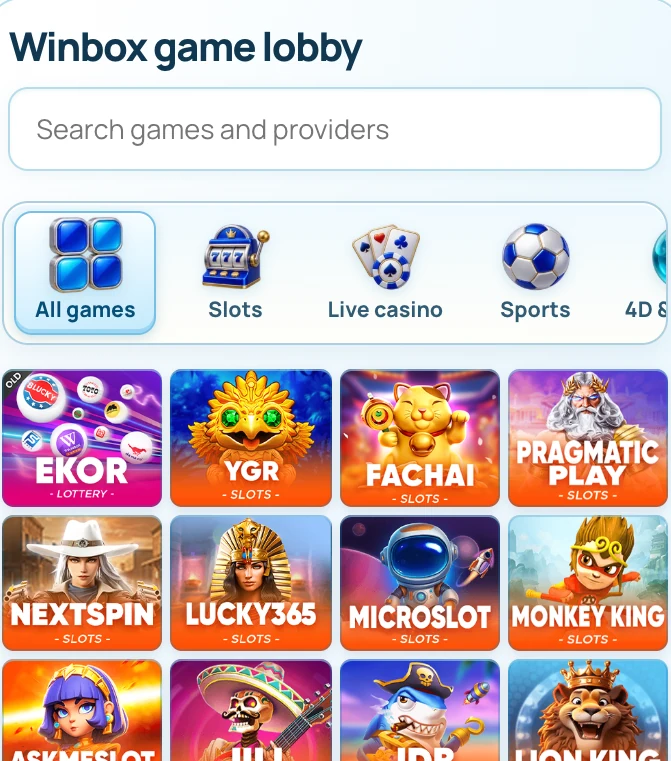
| Look up a game | Browse Games by category and check the provider label |
| Use Winbox on a phone | Read Mobile Access and save the confirmed route in your browser |
| Check a payment or a promotion | Open Help for the payment instructions or Promotions for the named offer |
| Get an account issue reviewed | Use Contact and provide the time, route and case reference |
Keep receipts when moving between pages
If a payment, registration or verification screen stalls, check for a reference before leaving. Sign back in through the existing route and check history before trying the same action. A guide can explain where to look, while the live form supplies the current fields and status.
How to use the record
If you are continuing an existing account action, choose the route for that task rather than opening a new account. Save the latest reference and status before switching pages or devices. The Winbox Contact page can help route a support case when you provide the page, time and relevant record.