
What to check
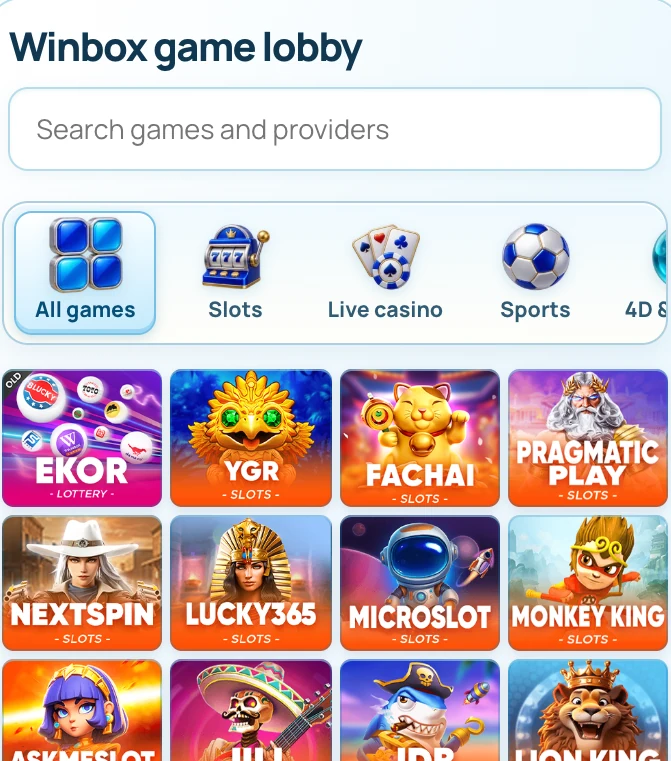
Winbox presents those through separate routes. Open the game catalogue for provider discovery, the mobile guide for access and the payment instructions when checking a specific method.
Start from the part of Winbox built for your task
A game card can identify a provider without listing every title. Search for the exact name inside the account catalogue when you need an edition.
| What you are looking for | Where to start | Example |
|---|---|---|
| A provider | Games | Open the appropriate category, then the provider card. |
| An existing account | Login | Read the identifier requested in the embedded form. |
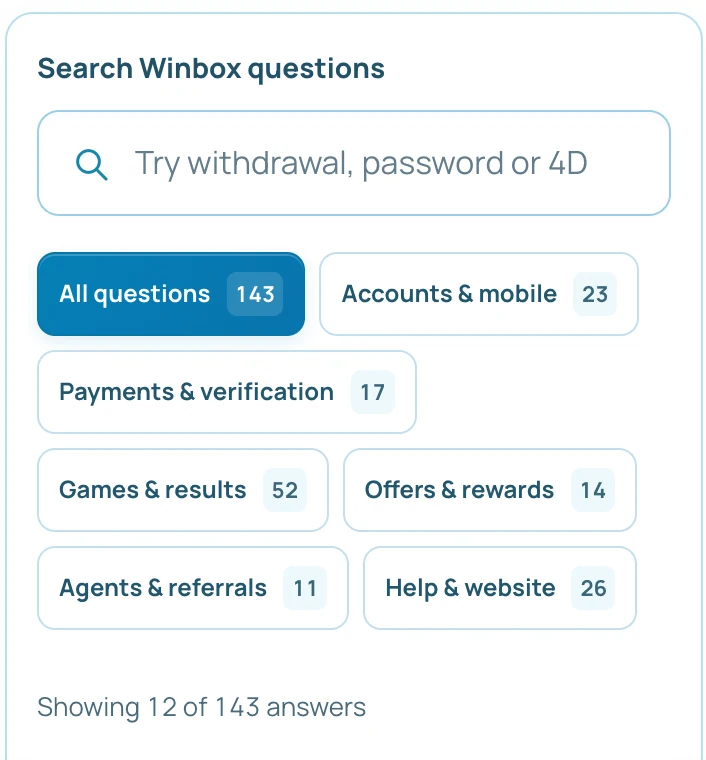
| Payment instructions | Help | Choose the deposit or withdrawal tutorial and save its reference fields. |
| Current offer terms | Promotions | Open the named offer and check its date and eligibility. |
| Help with a specific action | Contact | Send the page, time and reference with private values hidden. |
Read the full explanation
If you are comparing payment conditions, use the tutorial to find the current request fields first. The request and account history supply the actual amount and status.
How to use the record
Compare each item using the record that establishes it. Count or availability comes from the current catalogue, a posted offer has a date and conditions, and a transfer has a confirmation and history entry. The Contact page is the next step if an account-specific detail is missing.