
What to check
Match feeds can temporarily display the first call, while the market suspends or adjusts prices. A saved quote is not the same as an accepted selection with a time and reference.
Compare a confirmed goal with an overturned goal
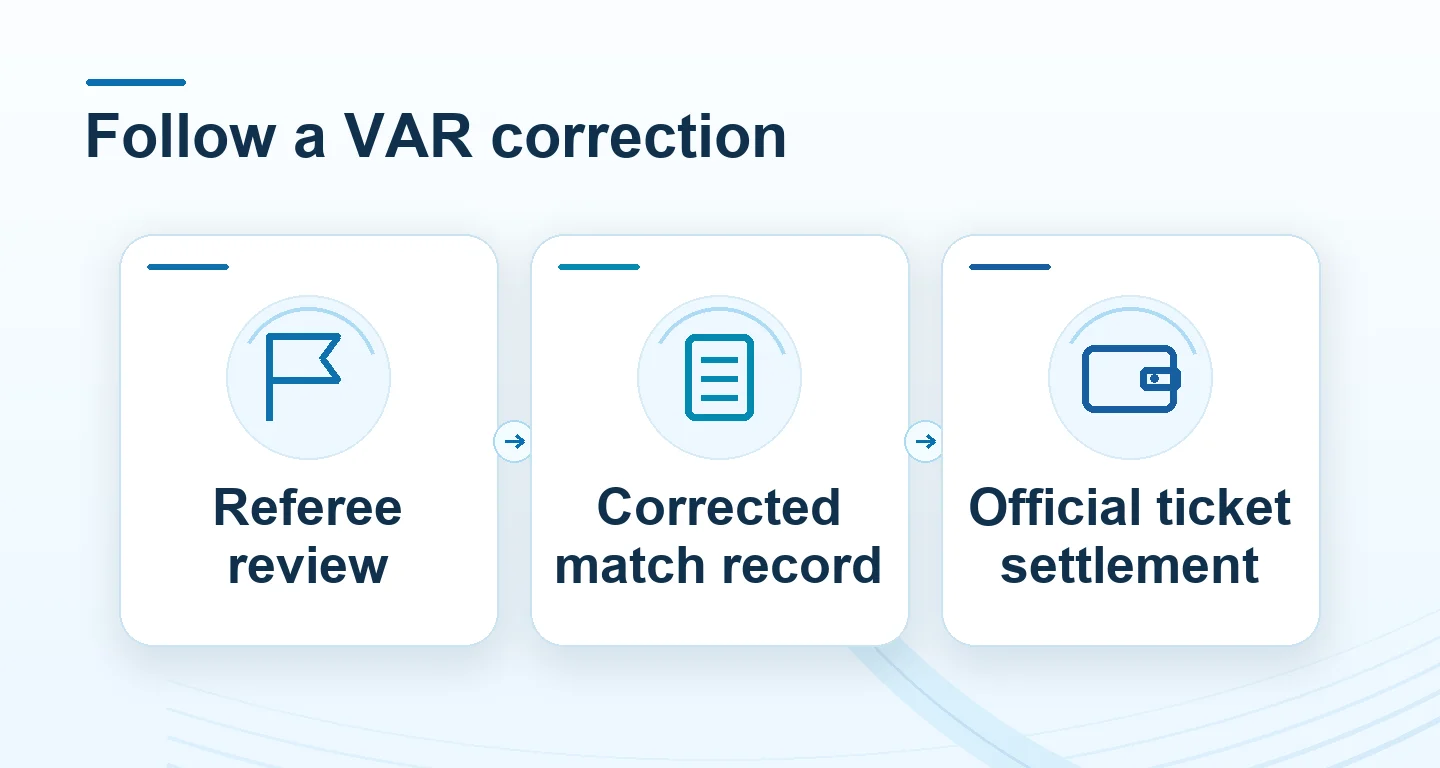
Keep the official decision and the accepted selection together. A change to the scoreboard can affect some markets while leaving others untouched.
| Selected market | If the goal is confirmed | If the goal is overturned |
|---|---|---|
| Match winner | Read the official final score for the named period | Use the corrected score |
| Goals total | Count the goal if it falls inside that period | Leave the overturned goal out of the official count |
| Both teams to score | Check whether each team has an official goal | Recheck whether the scoring team still has a goal |
| Penalties or cards | Read the specific event and market rule | Check whether the decision changed an award, card or eligibility under the rule |
Check when the ticket was accepted
Suppose the score graphic moves to 2–0 and the market suspends. The official report later shows the goal was overturned and restores 1–0. The displayed quote, attempted submission and accepted ticket can have different timestamps.
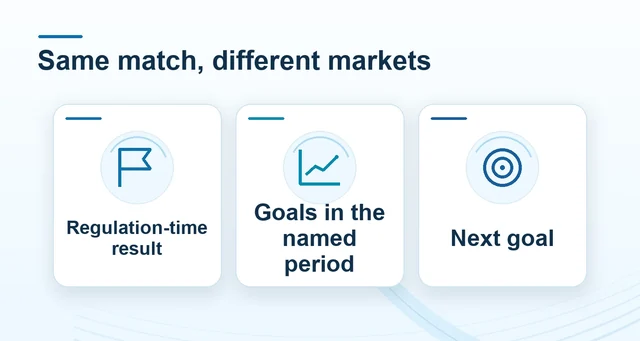 Compare live football markets by settlement
Read the full explanation
Find the accepted ticket first. Then compare its period, line and event with the final report and the supplier’s correction or void rule.
Record the incident time and settlement message if the two histories disagree. With the event and ticket references, support can distinguish a corrected feed from a settlement issue.
How to use the record
If a disputed goal is removed, compare the corrected match record to the market named on the ticket. A settled ticket may be handled under a correction or void rule, depending on the supplier. Record the incident, the period and the official result, rather than relying on the momentary scoreboard.