
What to check
Winbox guides distinguish Extra Bonus milestones, Lucky 7th qualifying activity and separate welcome, Angpau and Scratch entries.
Compare what each programme counts
Write down the starting and ending dates with the offer name. Read the eligibility rule before comparing the figure with the account balance.

| Programme | Record to use | Rule to read next |
|---|---|---|
| Rescue | Activity and period on the offer | What activity qualifies and when to claim |
| Lucky 7th | The named activity record | Which selections and dates count |
| Welcome | First-deposit and review record | Eligibility, maximum and withdrawal conditions |
| Angpau | Claim or campaign entry | Availability, claim window and limits |
| Scratch | Entry reference and result | How entries are earned and when they expire |
Match the question to the right claim
For example, if an account shows Scratch and Rescue on the same day, save the two references separately. A Scratch outcome does not tell you how much activity the Rescue review counted.
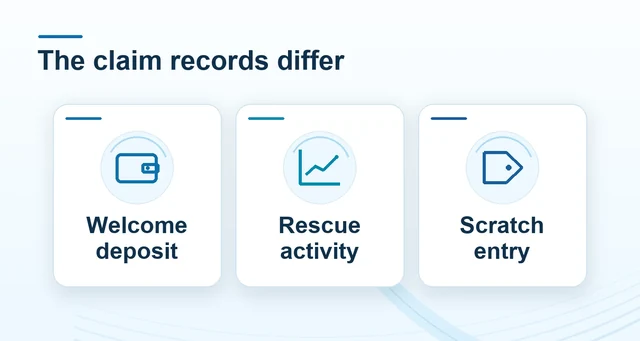 Compare Winbox welcome, Rescue and Scratch offers
Read the full explanation
Look up the extra bonus milestone by its own period and progress record.
Before following an older campaign from a search result, open the current Winbox promotion directory. Use the anniversary or seasonal date on any historical offer when asking support about the record. Published dates and written eligibility criteria are the quickest way to tell which claim the agent should look up.
How to use the record
Read the current offer and note the account status, date, threshold and claim method. A historical giveaway announcement belongs to its own period and winners’ record. Keep game credits and claimed campaign rewards separate when asking whether activity was counted in a particular programme.