
What to check
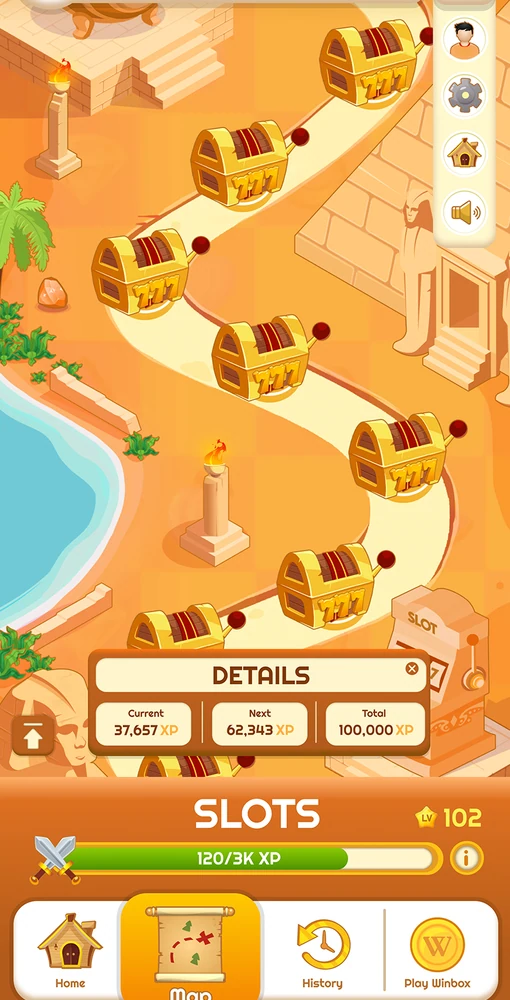
A milestone progress bar, a ticket and a winning result document three stages. Confirm which one you are checking before interpreting an amount or a headline.
Follow the status of a milestone or draw
Open the Bonus route from Winbox and read the terms for the named activity. Start with the qualifying period and the unit tracked. A milestone can count eligible activity and require a separate claim.

| Stage | Record to check |
|---|---|
| Activity | Eligible event and the time at which it was counted |
| Progress | Period, progress total and the milestone reached |
| Claim or ticket | The claim reference or draw ticket number |
| Credit or result | A posted credit, draw result or other final status |
Read the full explanation
A draw can use tickets and settle at a scheduled time. The notice for each activity explains what happens after qualification.
When progress and credit disagree
Suppose the display marks a milestone as reached but the account history shows no award. Check whether the rules require the player to claim during a separate window. Save the event name, status and date, then look for an existing claim before tapping again. If your concern is about a draw, submit the ticket number and draw date instead of the milestone progress total.
How to use the record
Use the existing Bonus control from Winbox’s account route. Record the applicable milestone or event date, your progress or ticket reference and whether a reward was credited. If a listed prize total differs from a banner, use the itemised terms and keep the event record for support.