
What to check
Baccarat compares hand totals, Dragon Tiger typically compares two ranks, and roulette settles selections against numbered pockets. A live video supplies the view of the table, while the table rules determine what settles.
Find the result field for each table type
The video shows how the table reaches an outcome. The account history supplies the exact selection that was accepted at that table.

| Table label | A typical round record |
|---|---|
| Baccarat | Accepted selection, both hand totals and any separately settled pair |
| Dragon Tiger | Rank on each side, tie handling and the accepted selection |
| Roulette | Wheel type, landing number and the exact positions on the ticket |
Keep the table clock with its own round
In a multi-table view, label each clip or screenshot with the room name. A Dragon Tiger card reveal does not settle a selection at the baccarat table beside it. Wait for the accepted record to show the room and round number.
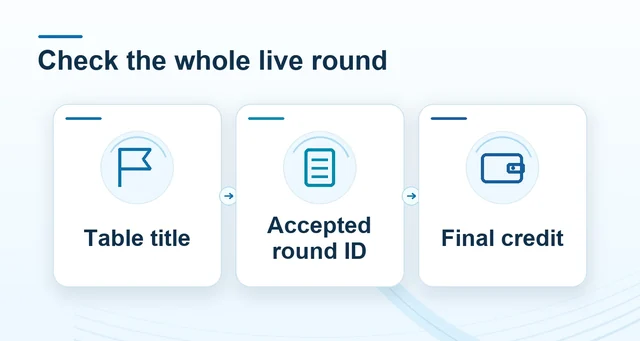 How to read a live-casino round and its record
Read the full explanation
If a stream repeats the result, use the history rather than treating the replay as a new round.
For example, a baccarat room can display a Banker win while its previous round remains visible in a history strip. Compare the selected round identifier and time before looking at the credit. Current room names and special payout rules come from the Big Gaming table you open.
How to use the record
Open the rule panel for the exact room before using a side-bet or commission figure. Where several tables run on one screen, note each table and round separately. A clock reset or a replay on one table does not reset the other tables. Record the full round identifier before contacting Winbox support.