
Winbox VIP membership and rewards
Winbox participates in the shared Winbox VIP programme, combining membership assistance, reward activities and Winbox Coins. Start with your existing Winbox account and ask support to review your membership eligibility.
 Winbox login: account access and sign-in help
Read the full explanation
Keep the approval and activation record; opening another player account does not complete a VIP upgrade.
Member activities described in the programme include Rock Scissors Paper, Squid Game, Card Game and Lucky Egg. Each has its own entry, coin, timing and result rules. Rescue Bonus, Lucky365 rankings, Angpau and Lucky 7 remain separate offers. A past VIP draw, including the advertised 10 October 2026 event with MYR200,000 cumulative-turnover qualification, is a dated campaign rather than today's standing membership threshold.
Follow each reward to its own guide
The shared Winbox programme highlights Rescue, Lucky365 ranking rewards, red packets and the Lucky 7 boost alongside member assistance. Each campaign has its own qualification, counting and claim process.
| Benefit | What to read |
|---|---|
| Rescue Bonus | Turnover tier and daily claim; headline up to RM58,888 |
| Lucky365 championship | Monthly ranking rules; headline pool up to RM288,888 |
| Angpau | Available opportunity, reveal and recorded credit |
| Lucky 7th | Eligible Rescue turnover and the 1.5× counting window |
| Member assistance | Confirmed contact route and the scope of the account enquiry |
Read the full explanation
The largest advertised amount belongs to the named campaign and its conditions; it is not an automatic VIP joining credit. Compare the reward below, then open its Winbox detail page.
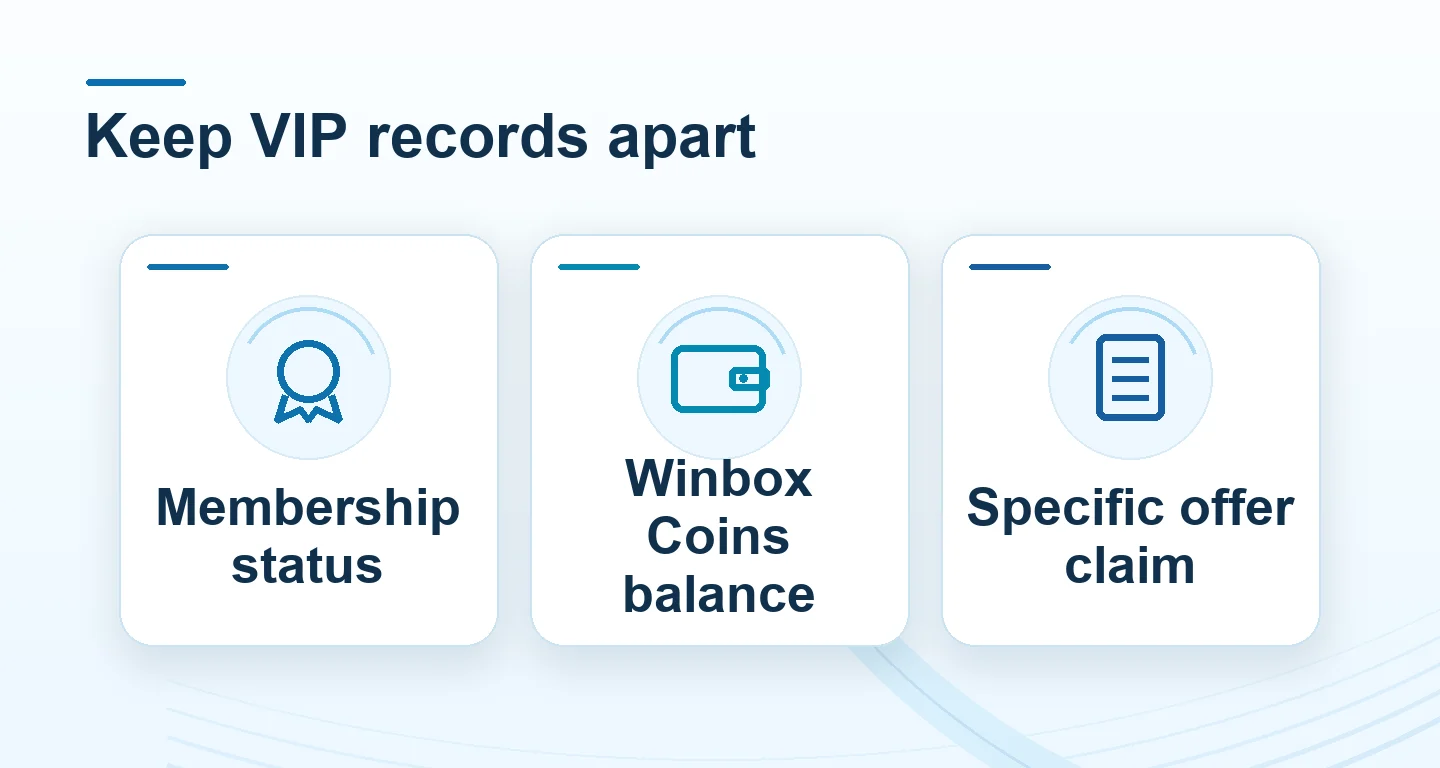
Keep Winbox Coins separate from cash
Winbox Coins are programme reward units earned through selected activities. A coin count is not automatically an MYR wallet balance or a withdrawable amount.
Read the full explanation
For the activity you open, read how coins are earned, when they are credited, which redemption is offered and whether expiry or other conditions apply. Keep the activity name and unit with the record.
Game settlement, a coin award and a promotional credit can occur at different stages. If an entry is missing, save the completion time and reference and ask Winbox to check the matching record. Do not assume a coin-to-cash exchange rate or deposit again to test a missing reward. An activity counter and a completed redemption should remain separate in your own records.
Keep membership and payment questions distinct
Tell Winbox whether you need a membership-status check, activity rule, coin-record review or a specific reward claim. Include the relevant account or case reference privately, with the date and exact question.
 Withdrawal support checklist
Read the full explanation
Never send a password, Payment PIN or one-time code. A private group invitation, a service badge and an application receipt do not themselves prove a completed account upgrade.
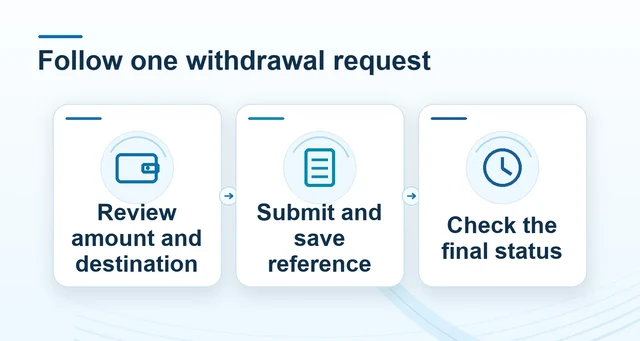
Personalised assistance does not remove payment checks or establish a guaranteed withdrawal time. Use the withdrawal guide for the request status and receiving-account record. Keep your spending and time limits while an application or claim is pending; an unfinished VIP activity is not a reason to increase them. Return to Promotions to compare other offers under their own conditions.
Rock, Paper, Scissors: count the match, not just one choice
The shared Winbox rules describe a best-of-three coin match: the first participant to win two rounds wins the match. Two wins need not be consecutive.
| Match detail | What to distinguish |
|---|---|
| Round and match | One choice result versus the first participant reaching two wins |
| Opponent mode | System mode versus an actually available player match |
| Coin award | Stake, net award and total return; not a cash conversion |
| Interrupted session | Visible animation versus the recorded choice and final score |
Read the full explanation
In a win–loss–win sequence, the final score is 2–1; the three choices are rounds within one match, not three separate match awards. Rock beats scissors, scissors beat paper, and paper beats rock.
Check the displayed rules for tied choices and how they affect the round count before confirming a stake.
The published walkthrough uses a choice followed by Confirm, with a ten-second choice period and a round loss for failing to choose in time. Check the timer and timeout rule in the version you open. Its headline describes live player-versus-player play, while its detailed rules say real-time PvP is being tested; a promotional label therefore does not establish that a human opponent is available. Identify the selected mode before starting.
The stated 1:1 coin payout also needs its award basis: distinguish the original stake, net award and total coins returned rather than treating a coin ratio as an MYR exchange rate.
If the connection stops, keep the match identifier, mode, score, last submitted choice and timestamp. A frozen countdown does not establish a cancelled match or a refunded stake. Ask Winbox support to check the recorded choice and match result under the applicable interruption rule. Use Winbox account access below; this explanation does not launch a game or confirm which VIP modes are enabled on your account.
Lucky Egg: separate the session, reveal and prize collection
The shared Lucky Egg description uses scheduled ten-minute sessions. A session's opening time, closing time and opportunity on your account are separate from a general daily-event headline.
| Record | Keep with it |
|---|---|
| Session | Event date, opening/closing time and timezone |
| Reveal | Outcome label and event or claim reference |
| Collection | Coin entry, bonus terms or item-delivery confirmation |
Read the full explanation
Read the event date, timezone and entry conditions shown in the account before participating; do not infer today's session from an older banner. A countdown ending also does not by itself show whether an earlier action was accepted.
The described outcomes include no prize, coins, a bonus and a mystery box. They are different outcomes, not four guaranteed rewards. The description separates automatic coin credit from support-assisted collection of other prizes. Keep the revealed item, event or claim reference and account record together. A coin result should be matched to its coin entry; a bonus needs its own conditions; a physical item needs collection and delivery confirmation.
Neither an unopened egg nor a mystery-box image establishes a cash value or a specific item.
For a missing reveal or an interrupted session, save the event date, session time, action time and any acknowledgement, then contact Winbox through this site. Confirm the collection channel before sharing delivery details, and never send a password or OTP to claim an item. Check current Winbox participation, timing and prize terms in the account; the older ten-minute description is not a current event timetable.
The linked Extra Bonus and daily live-draw guides explain different reward routes.