
Look for the Free Angpau entry
Sign in through Winbox and look for Free Angpau in the Winbox account interface. The promotion describes one opportunity per day when the red-envelope indicator becomes active.


Read the full explanation
An inactive indicator is different from an uncredited claim: first check whether the account offers a claim now, then review the claim result after using it.
Use the Winbox registration path
New players should open registration from Winbox so the existing Winbox referral information travels with the account form. Do not replace it with a code from a forwarded screenshot. If the reward asks you to complete another setup step, contact Winbox support from this site and confirm the account relationship before creating a duplicate player account. The floating Bonus control on the account page remains the supplied Winbox bonus route.
Keep the claim record
After a claim, check the result and wallet entry. For a missing reward, send the date, claim message and account reference to Winbox support. Do not send a login password or OTP.
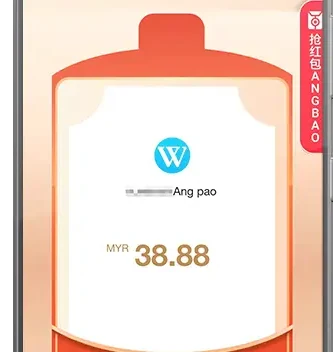
- Check the resultKeep the claim date and the message shown.
- Check the walletCompare the result with the credited record.
Read the full explanation
You can also read the Rescue and Extra Bonus pages to understand how their turnover-based rewards differ from the daily Angpau opportunity.
Questions, answered
Why is the Angpau indicator not active?
Check the daily opportunity and the status shown in the account. The promotion makes the claim available when its indicator activates; ask Winbox support about the specific account if it remains unavailable.