
Start with the meeting and race number
A racing list can contain several meetings, countries and race types at once. Match the meeting date, course, race number and scheduled start before reading a price. A runner number belongs to one race; the same number at another course identifies a different selection. Also distinguish the runner number from a barrier or starting stall. Record the displayed time zone when comparing a local schedule with an overseas meeting.
Find a race and track its ticket
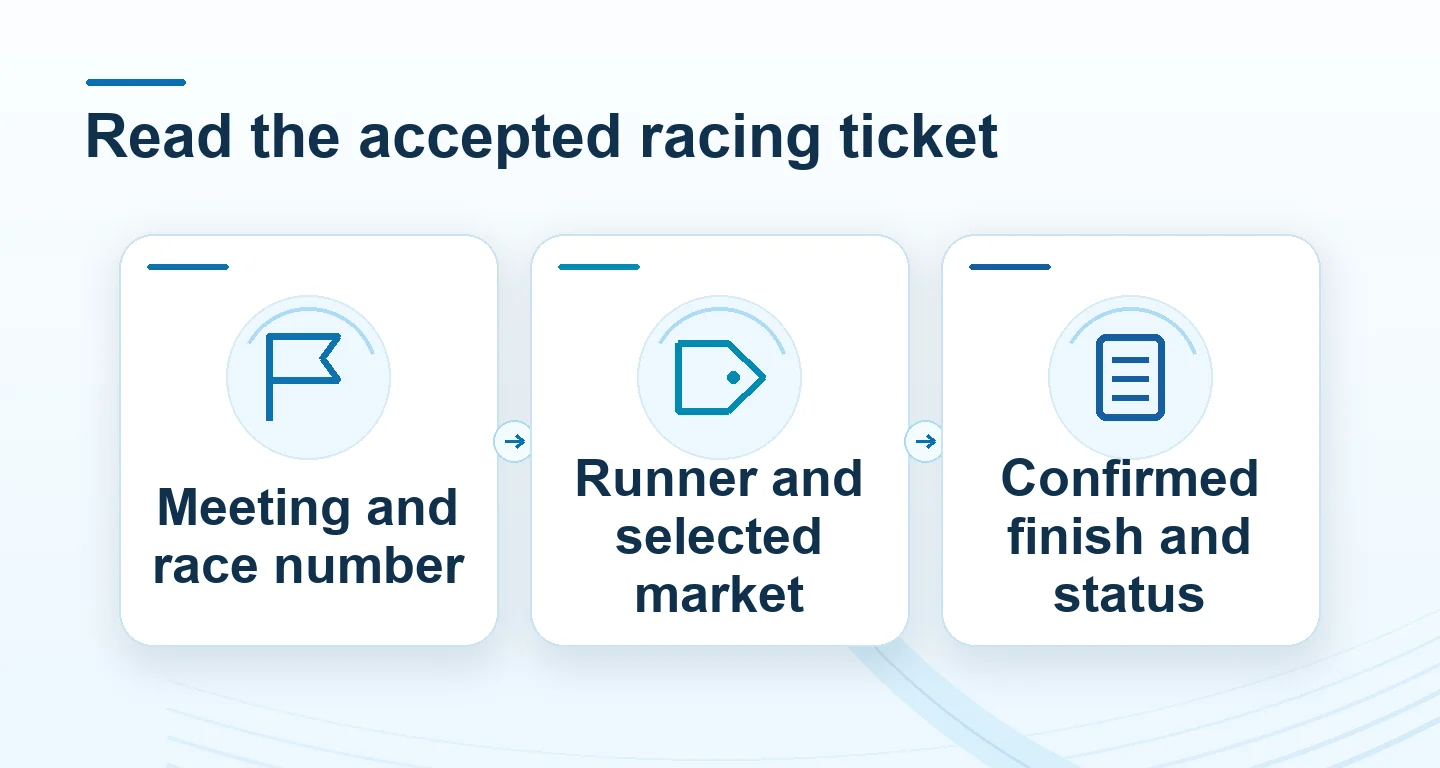
The RCB988 tutorial published by WB Entertainment Studio on 22 January 2025 shows a country list, an Upcoming list and separate horse, dog and harness filters. Start with the racing type, then choose the country or meeting and the exact race. Upcoming is a time-based view: two neighbouring rows can belong to different courses. The Live button opens the broadcast for the selected meeting; opening a stream does not select a runner or create a ticket.
 Enlarge image
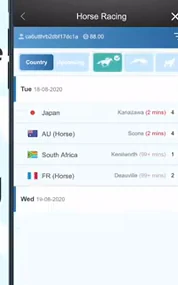
The video distinguishes Current Bet Transaction / Current Bet Session from Transaction History, and shows an Unsettled Transaction tab. Use the active or unsettled view to locate a pending ticket, then its dated history entry for the recorded outcome. Match the meeting, race, runner, market and reference rather than judging from a changing balance. A Tips panel is commentary, not an accepted order or an official result. The table below maps these labels to their reading tasks.
The video describes Plc as a top-three finish, whereas the companion RCB988 article describes Place as first or second and Show as top three. These examples are not interchangeable rules. Read the selected race’s paid-place condition before entering an amount; a displayed amount or a tap on Bet is separate from the accepted-ticket confirmation. The market table below explains why field size and the actual finishing condition matter.
| Label in the tutorial | What to identify |
|---|---|
| Country / racing-type filters | Country, meeting and horse, dog or harness category |
| Upcoming | Course, race number and start time for each row |
| Live | Broadcast for the selected meeting |
| Current Bet / Unsettled Transaction | Pending ticket and its race, selection and reference |
| Transaction History | Dated record and recorded outcome for the same ticket |
| Guide / Tips | Product rules versus commentary; neither is an acceptance receipt |
Read the finishing condition, not just the market name
The examples below explain common racing vocabulary. They do not establish which markets a Winbox session offers. Place terms can depend on the race and declared field size; do not assume third place always qualifies. A Quinella and a Forecast can use the same two runner numbers but require different finishing orders. The selected market’s own rules determine the qualifying positions.
| Market | Finishing condition |
|---|---|
| Win | Selected runner finishes first |
| Place | Runner finishes within the stated paid places |
| Quinella | Two selected runners finish first and second, either order |
| Forecast | Two selected runners finish first and second in the selected order |
| Trio | Three selected runners fill the first three places, any order |
A worked example: order changes the outcome
Suppose an illustrative official finish is 4, then 7, then 2. A Win selection on 4 meets the first-place condition. A Quinella on 4 and 7 meets its two-runner condition regardless of how those two were entered. A Forecast of 7 followed by 4 does not match that finish. This is a rules example, not a live result or a suggested selection. A boxed or multiple selection can create several chargeable combinations, so compare the total commitment rather than the unit amount alone.
Separate the price display from an accepted record
Identify whether the product uses a fixed price or a pool dividend. A changing pool estimate is not the same as an accepted fixed price. Before confirming, review the race identity, runners, market, units and total amount. After submission, use the accepted reference and status to establish what was recorded. If the connection drops, check history before repeating the action; a missing confirmation screen alone does not show that nothing was accepted.
Use official status when a result changes
A finish shown on a live stream can precede an inquiry or official confirmation. Keep the race identifier and review the final published status alongside the account settlement. Withdrawn runners, dead heats, abandoned races and amendments each need the applicable market rule; do not apply a football void rule to racing by analogy. For a discrepancy, send Winbox support the accepted reference, meeting, race and time, with unrelated balance and personal details cropped from screenshots.
Keep a race enquiry separate from the decision to pause
A photo finish, a disputed placing or a favourite losing can create pressure to enter the next race immediately. The next race cannot correct the previous ticket. Save its meeting, race, runner, market, reference and current status; send that record through Winbox support if a result needs checking. If you want to pause, close the session while the enquiry remains open. You do not need another wager or deposit to keep a support case active. A written personal limit is also different from a provider-confirmed account restriction: use the restriction-request guide to confirm its scope and start time. Do not assume that changing a course, game or device resets the amount already spent.
Questions, answered
Is the runner number the same as the starting barrier?
No. A racecard can show both. Use the runner identifier named in the selected market and confirm it against the accepted record; do not substitute the stall number.