
What to check
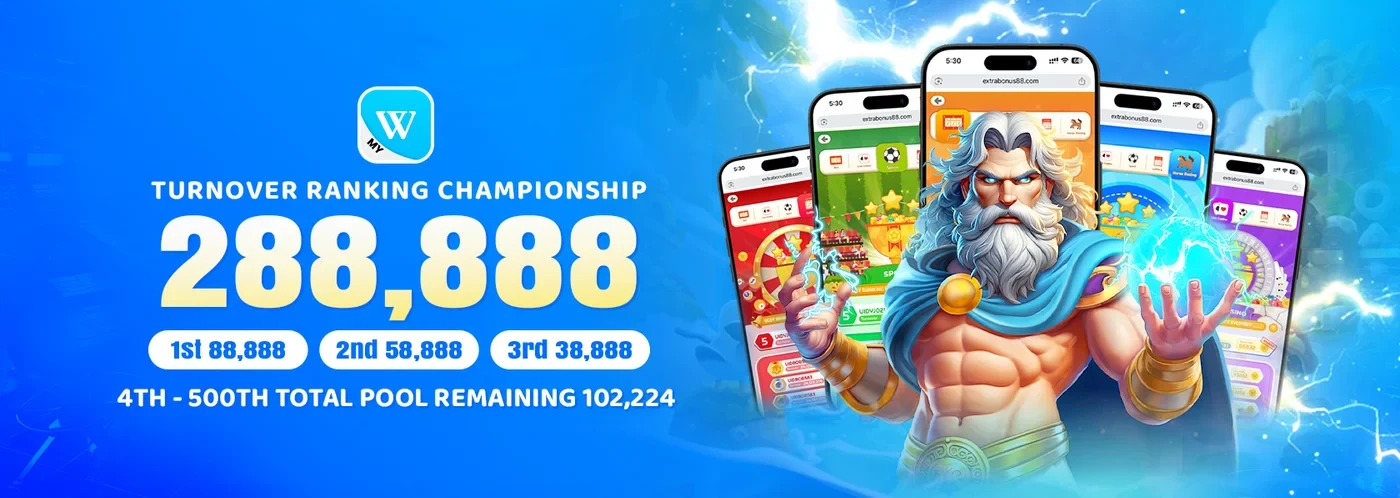
Open the provider guide to recognise titles, then use the named ranking campaign for the qualifying period, relevant games and prize placements.
Check the month and time zone
The Winbox ranking guide uses GMT+8 and a calendar-month counting window. A round near midnight at month-end may have a different report date from the time shown on a device set to another zone.
Read the full explanation
Save the timestamp and match it to the campaign period before comparing two leaderboard screenshots.
Distinguish catalogue type from ranking eligibility
Suppose a campaign explicitly counts RM6 of qualifying activity for one round and excludes an RM4 action from its ranking. That example would add RM6 to the qualifying total.
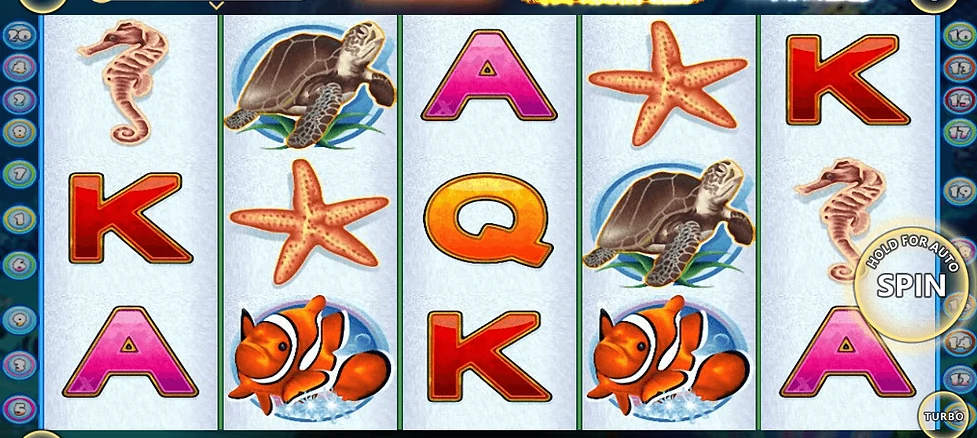

| Published title example | Format | What to match to a campaign |
|---|---|---|
| Dolphin Reef | A five-reel slot in published artwork | The exact title on the campaign’s qualifying list |
| Monster Awaken | Fishing in the published product record | The eligible action and amount the rules count |
| Monkey King Slot | A separate five-reel title | The edition and selected activity period |
Read the full explanation
The account’s balance could still reflect both actions plus any game credits. Keep the period, local time and acceptance status on each record.
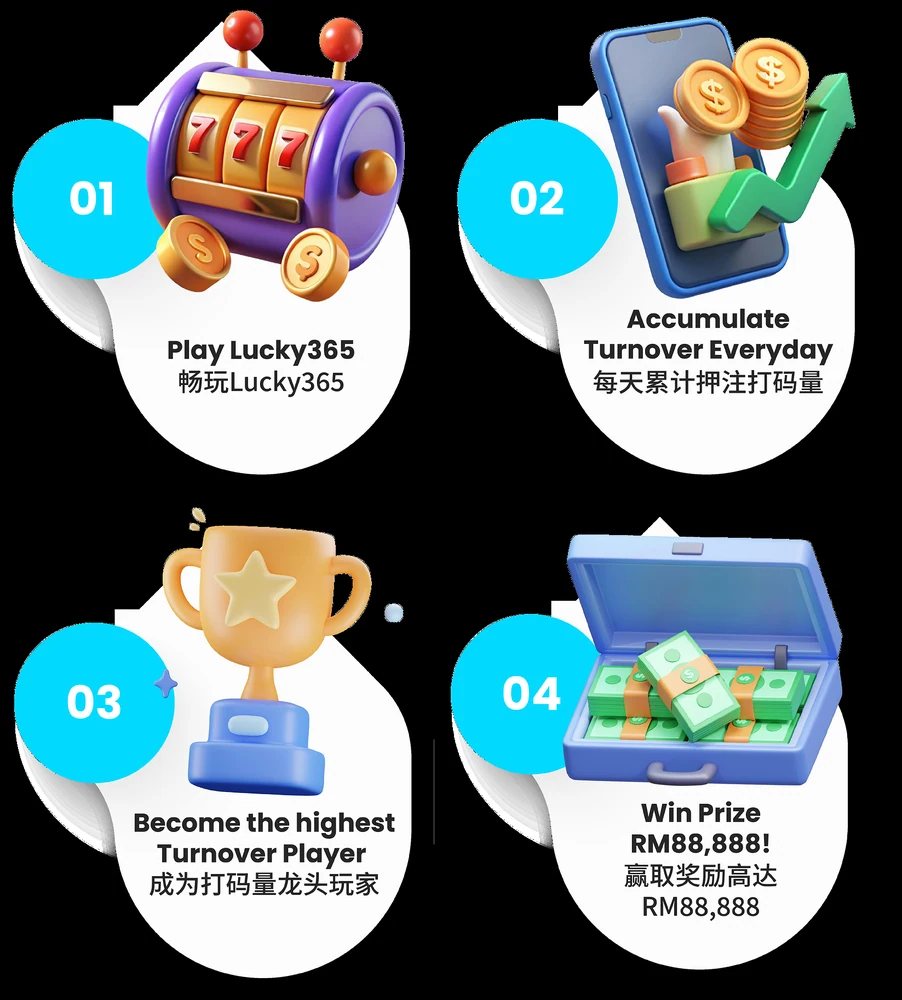
Open the current Lucky365 campaign through Winbox Promotions. If a month-end entry appears under the wrong period, send the named campaign, accepted activity reference and timestamp with time zone.
How to use the record
A balance change after a round does not reveal how much that round contributes to the ranking. Compare the completed game record with the month-specific leaderboard and the separate reward credit.
Read the full explanation
Record the game title and date for a missing contribution query, alongside the campaign reference.