Apply for Winbox agent access
Contact Winbox support and request registration for the shared Winbox Agent4u programme. Say whether you already have a player account and provide the application information requested through the confirmed private channel. The team reviews the application before issuing agent credentials. After approval, use your own account to review referrals, commission and transaction records; a player registration alone does not activate agent access.
Questions to settle before you agree
Request the eligibility rules, responsibilities, approved rate table and written agreement.
 Agent questions answered
Read the full explanation
Ask how referrals are attributed, whether existing players can be linked, which activities qualify, and what happens to cancelled or corrected activity. Confirm settlement periods, timezone, payout method and any costs or minimums.
If somebody quotes a return without explaining the eligible base, ask for a worked calculation using the programme's own definitions. Keep the answer with the terms version so you can compare later reports consistently.
Confirm approval and first access
If the team accepts your application, confirm the account type, official access destination and support contact. Check that you can view the appropriate reporting tools before assuming the arrangement is active.
 Agent programme guide
Read the full explanation
Review how to raise a report discrepancy and how changes to rates will be communicated. Do not advertise an unconfirmed percentage or claim guaranteed earnings.
If an application is still under review, follow up through the same case rather than submitting conflicting information through several contacts.
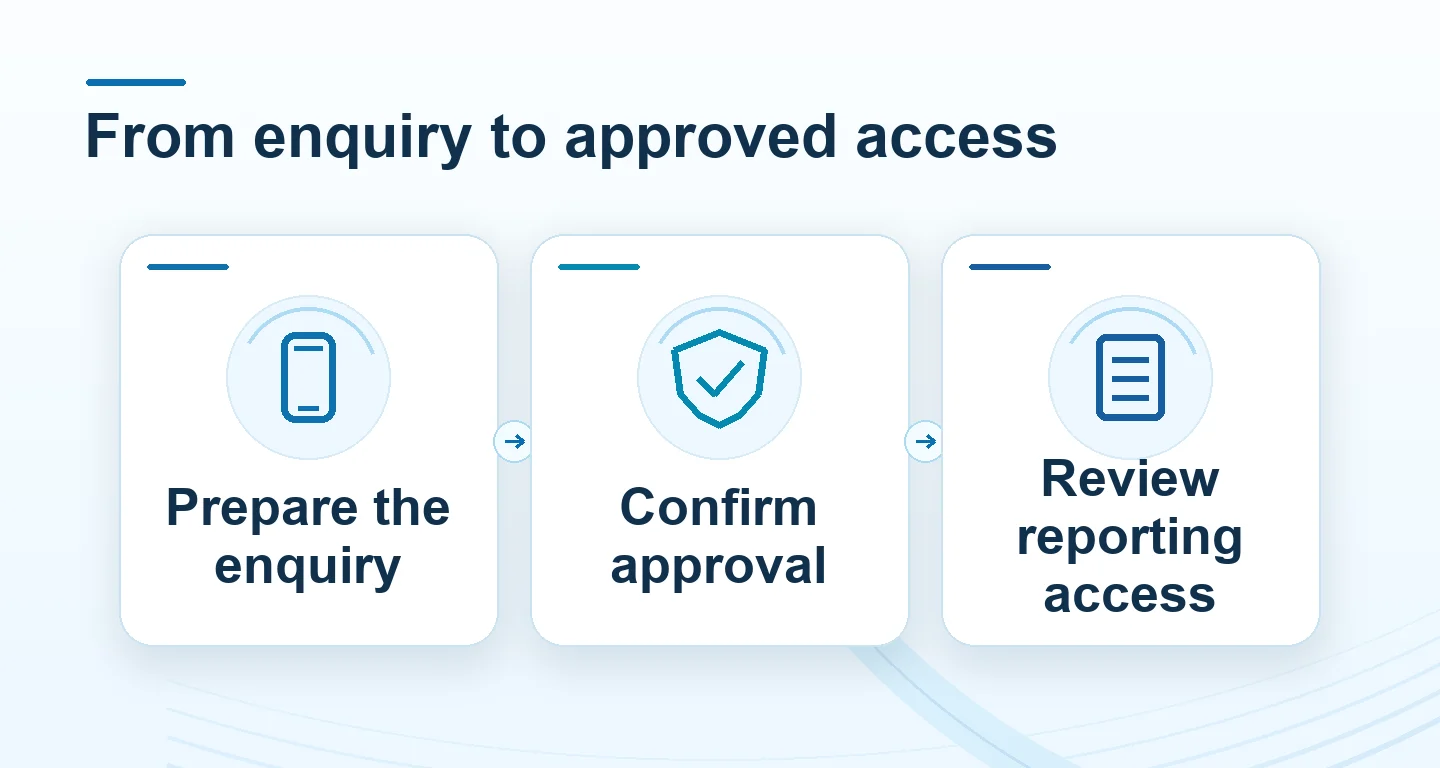
Follow the enquiry, approval and reporting sequence
Keep a single enquiry reference as you move from questions to an application. First obtain the programme description and document-submission route.
| Stage | What to confirm | Record to keep |
|---|---|---|
| Enquiry | Programme and next step | Support case |
| Application | Required items and review status | Submission reference |
| Approved access | Account type and reporting view | Approval and terms version |
Read the full explanation
Next, complete only the requested application steps and wait for the account-type confirmation. After approval, check the portal destination with Winbox and confirm that the reporting view belongs to your approved account.
A successful player login or a message saying that documents were received is not evidence that agent reporting is active.
Test the first report before relying on it
Open the reporting period and check the displayed timezone, referral scope and status labels. An empty report may mean no eligible activity is recorded for that filter; it does not by itself prove that access is broken. Use the referral guide to distinguish a shared link from a recorded relationship. If the account type or reporting scope is wrong, ask Winbox to review that specific issue before sharing more links.
Keep a private copy of the applicable terms and confirm how future changes will be communicated.
Help a referred player keep control of their own account
Use a short task-based handoff: registration instructions for a new player, account recovery for an existing player, and the matching payment guide for a transaction question.
 Registration checklist
Read the full explanation
Explain any referral interest openly and distinguish your introduction from Winbox approval. The recipient should enter their own password, OTP and account details.
Keep the support language and case reference with the enquiry, not a collection of other people’s identity documents. If the person wants to stop or decline, do not replace that choice with repeated invitations or a reward deadline.
A referral role is not permission to operate somebody else’s account.
Questions, answered
Does submitting an enquiry create an agent account?
No. The Winbox team must confirm the available programme, requirements and acceptance. Keep the confirmation and use the portal provided for the approved account type.
Should I send identity documents with my first message?
Start with the enquiry. Ask which documents are required and where to submit them securely before sending sensitive material. Never include passwords or verification codes.