0.2% of valid direct-referral turnover
The Winbox agent guide states a 0.2% commission on valid betting turnover from direct referred players after the agent account is registered and approved. This is a commission basis, not a player rebate or a percentage of deposits.
Read the full explanation
Check your account's applicable programme terms and report period when comparing an estimate with a credited amount.
Calculate from the eligible base
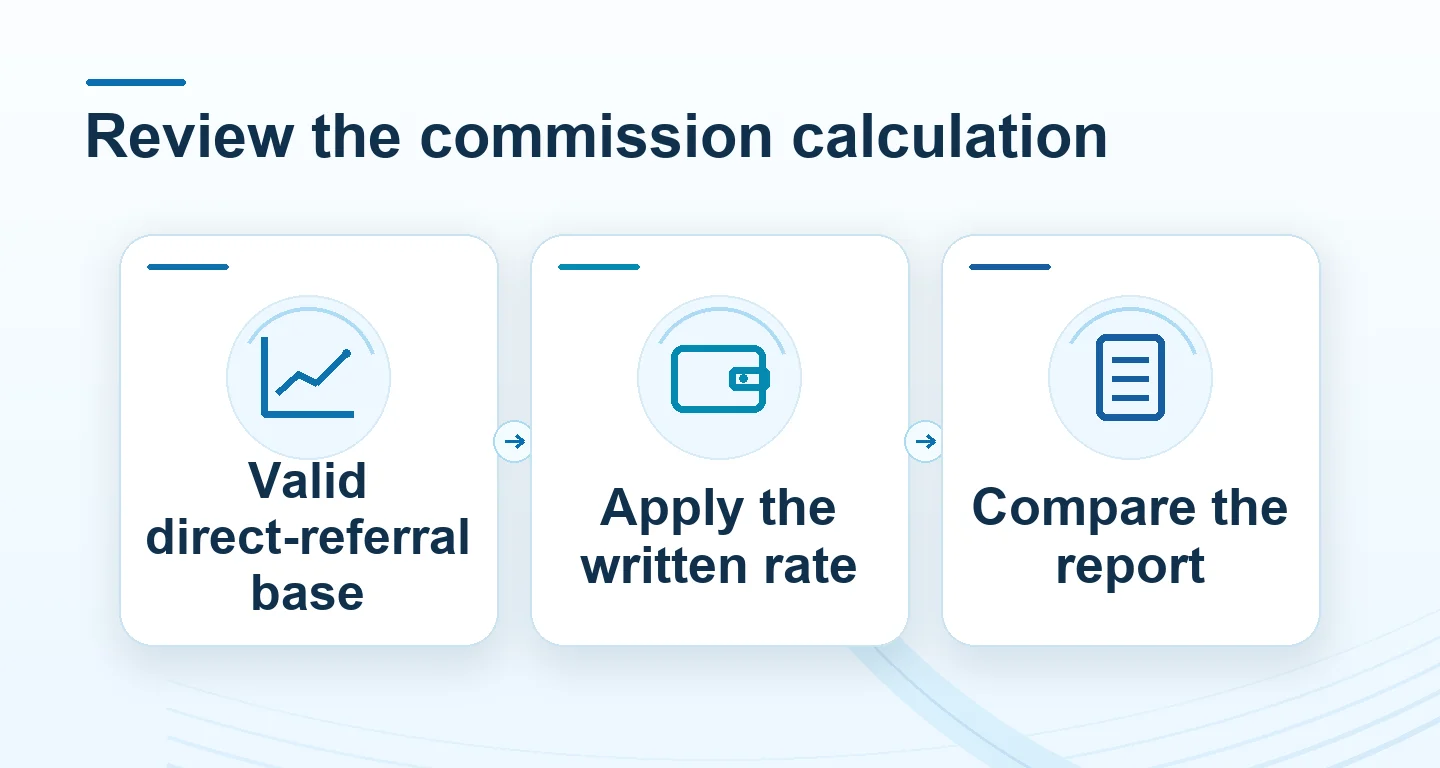
The formula is valid direct-referral turnover × 0.2 ÷ 100. For RM10,000 of eligible turnover, the estimate is RM20. If the eligible total is RM160,000, the estimate is RM320; at RM500,000 it is RM1,000. These examples explain the same percentage at different activity levels and do not forecast how many players will participate or how much they will spend. Adjustments and excluded activity should be checked in the final report.
Use reporting and support rather than handling player funds
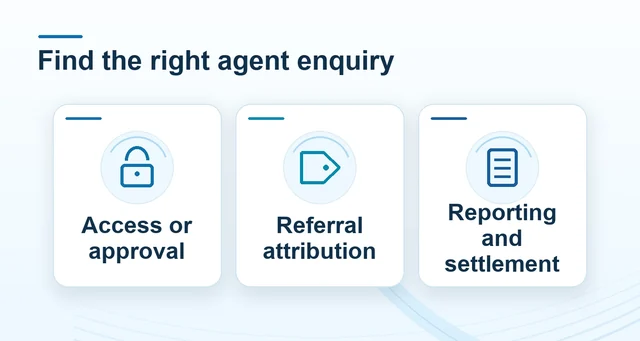
The programme describes account tools for referral tracking, commission reports, player administration and transaction history. Players use the integrated deposit and withdrawal system for their own transactions. To query a commission difference, provide Winbox support the report reference, date range, eligible turnover and adjustment line. For first access, use the Winbox enquiry route; this page does not forward you to another site's agent login.
Separate the amount counted from the commission earned
A deposit adds funds to an account; turnover records activity. Neither a deposit total nor a player’s net result is a substitute for the report’s valid direct-referral turnover.
| Example | Eligible turnover (RM) | At 0.2% (RM) |
|---|---|---|
| One report total | 10,000 | 20 |
| 20 × RM8,000 | 160,000 | 320 |
| 100 × RM5,000 | 500,000 | 1,000 |
Read the full explanation
For example, an account may show RM12,000 in recorded activity while only RM10,000 is eligible for the selected period. Applying 0.2% to the eligible RM10,000 gives RM20, not RM24.
Do not assume that this difference describes any particular exclusion rule: use the actual statement to identify why an amount was excluded, corrected or carried into another period.
Reconcile one reporting period at a time
Select the same start date, end date and timezone in both records. Check that the view covers direct referrals and the intended activity rather than every account visible in a dashboard.
 Winbox agent information Malaysia
Read the full explanation
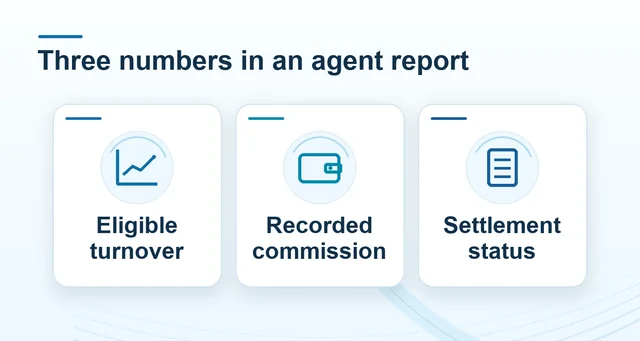
Record the valid turnover, applicable percentage, calculated commission and adjustment lines separately. A live dashboard total may still change before a period is final.
When comparing an exported statement with an earlier screenshot, note when each was captured; two different snapshots can describe different stages of the same report.
Check payout status separately from an estimate
The calculator answers an arithmetic question; it does not approve an application, finalise turnover or release a payment. A commission line shown as pending should not be treated as money already paid.
 Winbox agent questions
Read the full explanation
Ask for the settlement reference and credited amount when a payment is marked complete.
If the difference remains unexplained, send one specific report period, the expected calculation and the line you are querying through Winbox support.
Keep your own advertising and operating expenses outside the gross commission calculation when reviewing net earnings.
Questions, answered
Is the 0.2% agent commission a player rebate?
No. The programme describes direct-referral commission on valid betting turnover. It does not establish a player-rebate percentage, so the calculator estimates commission only.
Does the commission calculator confirm that a payment has been released?
No. It calculates from the turnover you enter. Approval, eligibility, adjustments and settlement status must be checked against the relevant account report and payment reference.